
Free Image CDN for Your Blog: Serving Images from Cloudflare R2's 10GB Free Tier
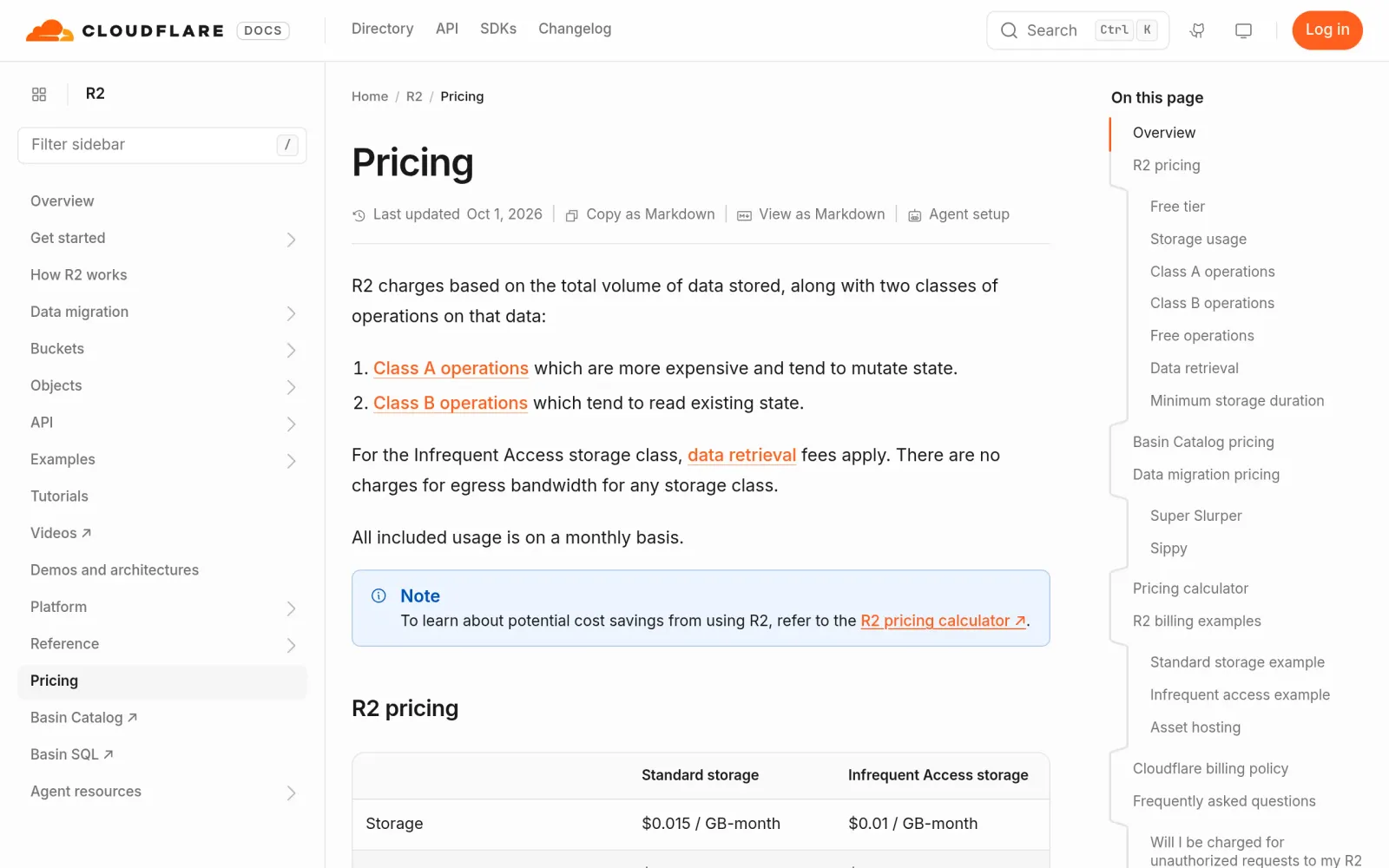
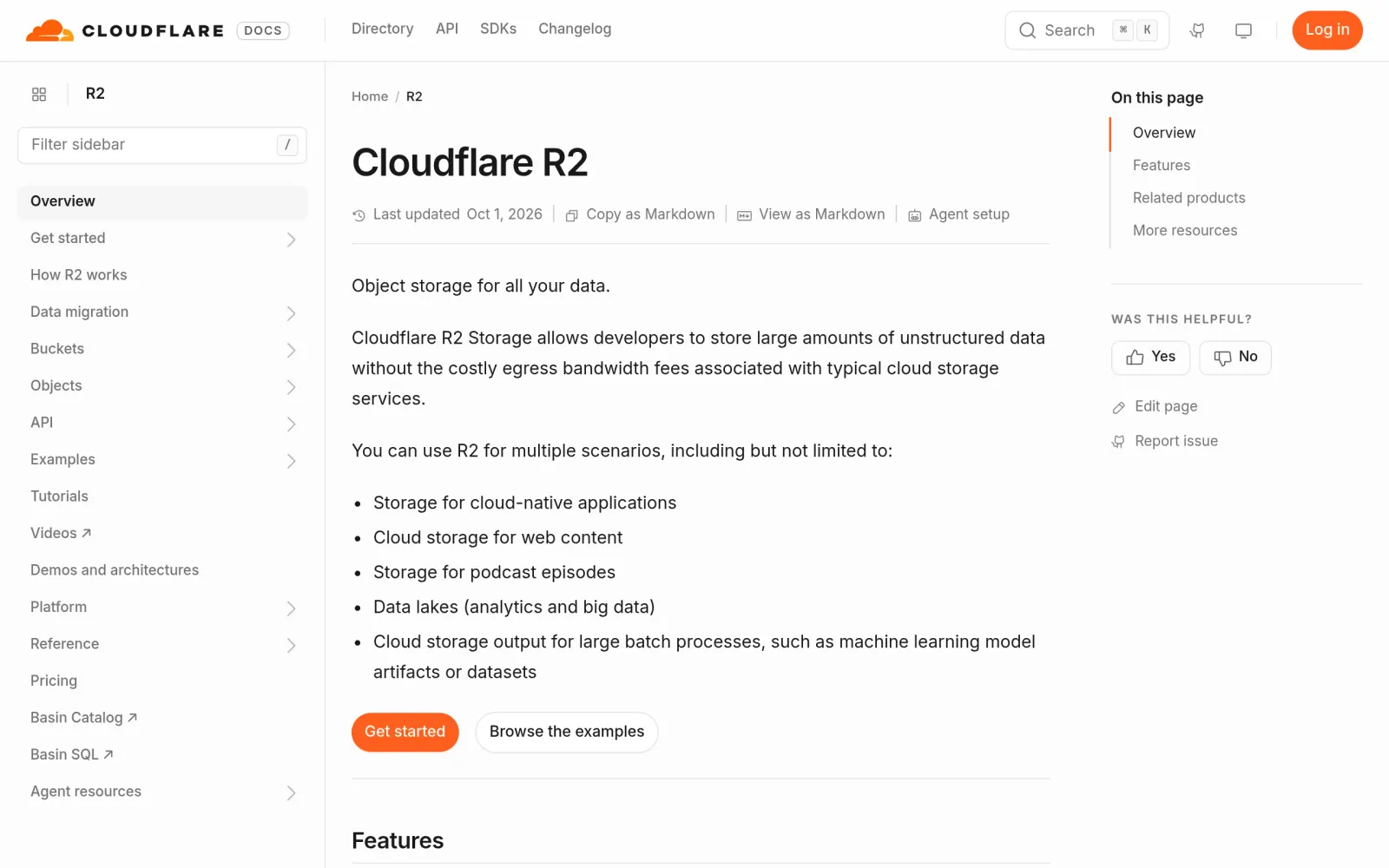
One-line pitch: Move your blog or landing-page images to Cloudflare R2 object storage — 10GB of storage, 1 million writes and 10 million reads free every month, and visitors viewing your images (egress traffic) costs you nothing, so a viral post will never blow up your bill.
Prerequisites
- A Cloudflare account (free, email signup)
- A payment method (credit card or PayPal): R2 requires one at activation. Nothing is charged within the free tier, but if you'd rather not attach a card, know this up front
- (Optional) Your own domain: only needed if you want a tidy image URL like
img.yourdomain.com; without one you can still get started with R2's built-inr2.devtest address
Step by step
Step 1: Activate the R2 subscription
Log in to the Cloudflare dashboard, go to R2 Object Storage (Storage & Objects → R2 Object Storage), and complete the subscription checkout with your payment method. This is a mandatory activation step — you are not charged anything while you stay inside the free tier.
Step 2: Create a bucket
Go to R2 → Buckets → Create bucket, pick a lowercase name like blog-images (lowercase letters, numbers, and hyphens only), and leave the location as Automatic. Done — the bucket starts out private.
Step 3: Upload your images
Click Upload in the bucket for a quick web upload. If you have lots of images, use an S3-compatible tool instead:
- rclone and Cyberduck both work with R2 — set the endpoint to
https://<your-account-id>.r2.cloudflarestorage.com - For API credentials: on the R2 overview page, open Account Details → Manage and Create User API Token. Give it Object Read & Write permission, scope it to this bucket only, and set TTL to Forever. Never use a full Admin token for this — if it leaks, the damage is much bigger
Thrifty tip: phone photos are several MB each — compress before uploading. Converting to WebP typically saves 30–50%, so the 10GB free tier holds tens of thousands of blog images.
Step 4: Turn on public access and get image URLs
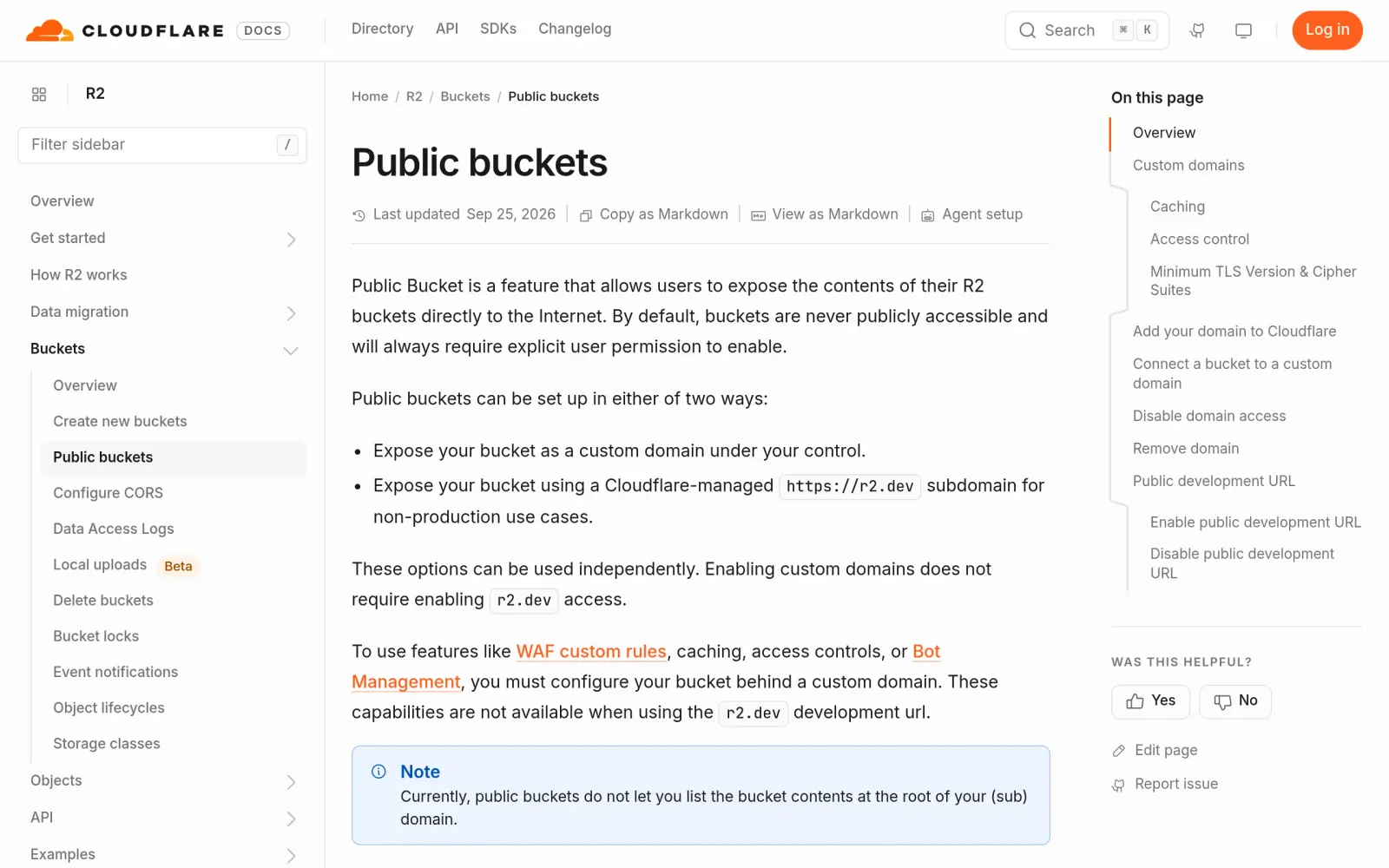
New buckets are private. Open the bucket → Settings → Public Development URL → Enable, type allow in the confirmation box, and R2 gives you a *.r2.dev public domain — your images are instantly reachable at https://pub-xxx.r2.dev/filename.
Important caveat: r2.dev is officially for development and testing only. It gets rate-limited under real traffic (HTTP 429) and bandwidth is throttled. For a production blog or landing page, use a custom domain: in the same settings page, Custom Domains → Connect Domain, attach img.yourdomain.com — DNS records are added automatically and it goes live within minutes. Image URLs become https://img.yourdomain.com/filename, with free HTTPS and Cloudflare's global cache in front.
Step 5: Wire it into your site
- WordPress: install an S3-compatible media plugin (S3 Uploads, Media Cloud, or Offload Media Lite), set the endpoint to your R2 endpoint, paste the token from Step 3 — uploaded images sync to R2 and come back with your custom-domain URLs
- Static blogs / hand-coded landing pages: just reference
https://img.yourdomain.com/xxx.webpdirectly, like any image URL - Migrating an existing site: bulk-upload your old images to R2, then find-and-replace the old image URLs with the new domain

Costs, gotchas, and things to watch
Pricing (verified on the official pricing page, October 2026):
- Free tier resets monthly: 10GB storage + 1 million Class A operations (writes/uploads/lists) + 10 million Class B operations (reads/downloads), egress $0
- Overages: storage $0.015/GB-month, Class A $4.50/million, Class B $0.36/million, egress still $0. A personal blog will rarely hit these
- The free tier covers only the Standard storage class. The Infrequent Access class (added 2025, $0.01/GB-month) charges a $0.01/GB retrieval fee — don't pick it for image hosting
Gotchas:
- Activation requires a card (credit card or PayPal). Non-negotiable, even though nothing is charged inside the free tier
- Don't use r2.dev in production: officially rate-limited (429s kick in at a few hundred requests/second) with throttled bandwidth. Production use needs a custom domain
- Cached-404 trap: Cloudflare caches 404s. If someone hits an image URL before you upload it, the 404 can keep being served after the upload. Fix: use a new filename (versioned paths), or purge the cache manually
- Access speed from mainland China is mediocre: R2 has no PoPs there. Custom domains route through Cloudflare's edge cache, so overseas visitors get great performance; if your business is mainly China-based, consider a different image setup
- Don't use GitHub repos or Telegram bots as image hosts: that violates their terms of service, and if the account goes, every image in your articles breaks. A big-vendor, officially documented free tier like R2's is the stable choice
Track record: R2's 10GB / 1M / 10M free tier has never been reduced since launch (still the number on the official pricing page in October 2026) — no quiet price hikes. On stability: on 2025-02-06 the R2 gateway was briefly disabled by mistake during an abuse response, with about an hour of disruption (per Cloudflare's official post-mortem) — an operational accident, not a policy change. Occasional community posts about R2 suspensions trace back to billing or fraud issues, not normal personal image-hosting use.
Sources
- Cloudflare R2 official pricing (free tier verified): https://developers.cloudflare.com/r2/pricing/
- R2 public buckets and custom domain docs: https://developers.cloudflare.com/r2/buckets/public-buckets/
- R2 limits and rate limiting docs: https://developers.cloudflare.com/r2/platform/limits/
- Free image hosting comparison 2026, R2/B2/Oracle tested (2026-10-21): https://www.rangka.com/49.html
- Cloudflare free-tier roundup with quota details (2026-10-17): https://www.rangka.com/39.html
- R2 hands-on guide incl. API token creation (dev.to): https://dev.to/yeagoo/cloudflare-r2-hands-on-guide-set-up-free-10gb-storage-zero-egress-object-storage-and-325n
- Podcast RSS hosted on R2 walkthrough (V2EX, 2026-10-19): https://www.v2ex.com/t/1249908
- Cloudflare official incident post-mortem (R2 gateway, 2025-02-06): https://blog.cloudflare.com/cloudflare-incident-on-february-6-2025/