
Revolut's Free Standard Account: What Is Actually Free, and What Quietly Costs Money
One-line summary: Revolut's Standard plan really is $0 a month with $0 to open — the whole flow takes about 10 minutes in the app — but you must be a legal resident of a supported country, pass a passport-plus-selfie check, and watch out for exchange allowances, weekend exchange fees and ATM limits.
What you need
- To be 18 or older and a legal resident of a supported country (the US, the UK, many EU countries, Japan and others; residents of mainland China are not on the supported list — do not waste verification attempts)
- A phone that can receive an SMS code
- A government-issued ID: passport, driver's licence or national ID (US accounts also need an SSN — see Step 2)
- An email address; no deposit and no credit card is needed to open the account
Scope check: this article is for people already living in a supported country who need a multi-currency account. If you live elsewhere, compare with the series' October 20 Wise article instead.
Step 1: Download the app and pick Standard — not a paid tier by accident
- Download the Revolut app from the App Store or Google Play (check the official developer name — copycat apps exist).
- Enter your phone number and confirm the SMS code.
- Set a 6-digit passcode and enable Face ID or fingerprint login if offered.
- Enter your full name, date of birth, address, email and citizenship details.
- At the plan step, choose Standard (free): Revolut's own wording is no monthly fee, no set-up fee and no account-holding fee. Premium, Metal and other paid tiers are separate prices — do not tap through an upgrade without reading it. You can upgrade or downgrade in the app at any time.
Step 2: ID photo + selfie check (US accounts also need an SSN)
- Photograph your ID front and back in good light, all four corners visible, no glare.
- Complete the in-app selfie check (follow the head-turn prompts; no sunglasses or masks).
- US accounts: you need an SSN (Social Security number). Revolut's US flow notes that a visa can unlock basic transfer features, but a full account still rests on SSN + ID verification — without an SSN, do not expect a full US account.
- German / European accounts: Revolut states that opening a basic current account involves no credit check such as SCHUFA (it is a debit account — you spend money already in it). A credit check only appears later if you apply for a credit product.
- Once verification passes, the account is ready. If it fails, fix the exact reason the app gives and re-photograph — do not keep resubmitting the same blurry image.
Step 3: Before you add money, understand the three charges
What is genuinely free on Standard:
- Opening, holding and the Standard monthly fee: $0 / €0
- Transfers between Revolut users and local transfers (US ACH, European SEPA): generally no transfer fee
- Holding 25–35+ currencies in the app (the exact count varies by region)
What is easy to miss (third-party figures re-checked against Revolut's official pricing on October 20, 2026 — your app's live quote always wins):
- Exchange allowance: the free plan's monthly exchange allowance is limited. Weekday exchanges inside the allowance carry no extra fee; beyond it, a fair-usage fee applies.
- Weekend exchanges: exchanging at the weekend can add a fee. Move large exchanges to weekdays when you can.
- International transfers: sending in the recipient's own currency costs from 0.15% on a US account (with a minimum) on the third-party reading. The app shows the fee, the rate and the amount the recipient gets before you confirm — if you cannot see all three, do not confirm.
- Cards and cash: free virtual cards for Apple Pay / Google Pay are standard; physical-card delivery and free ATM limits vary by region and plan, with fees beyond them.
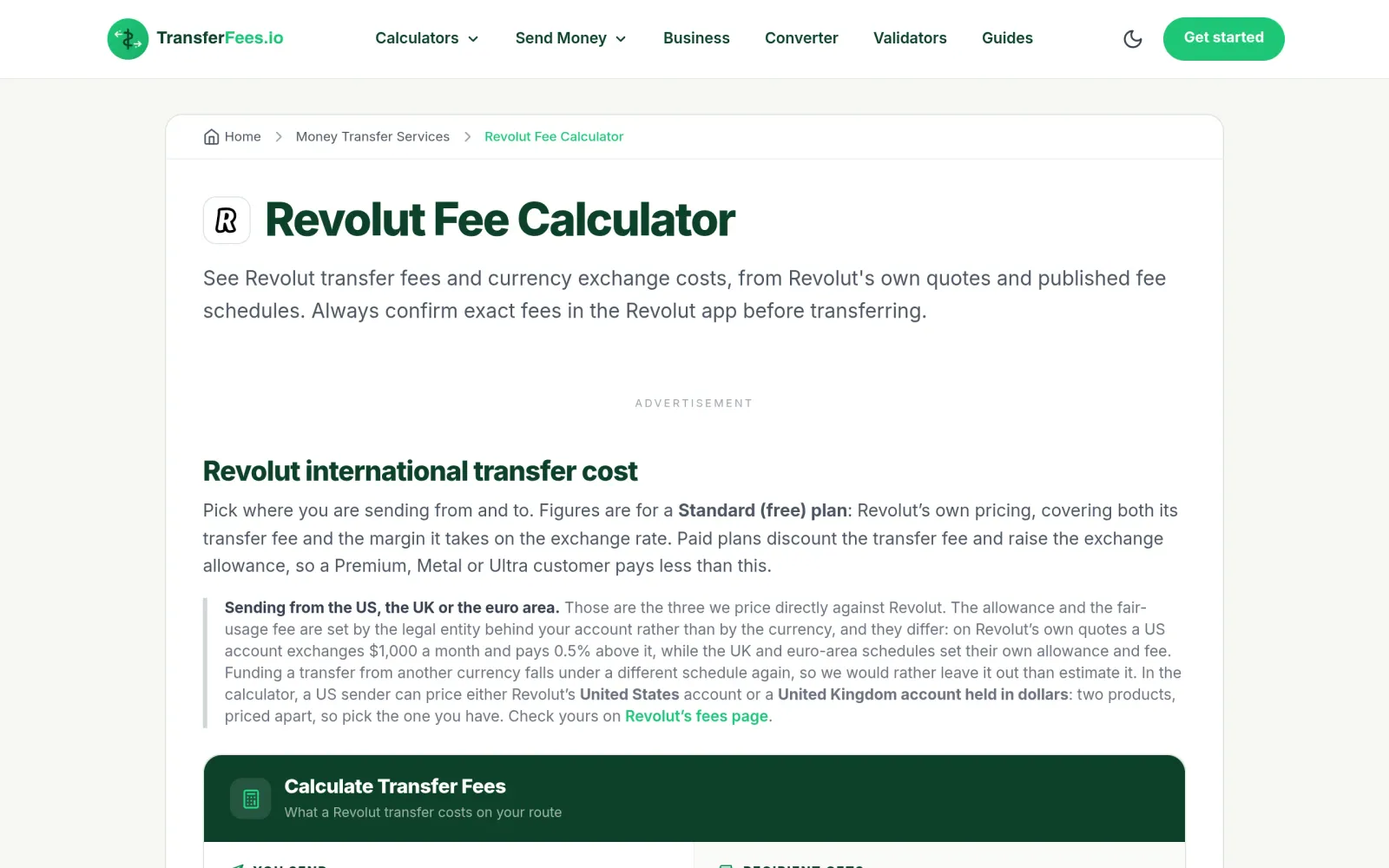
Practical rule: test with one small exchange and one small transfer first, check the received amount matches the app's estimate, and only then move larger sums.
Step 4: Three settings to finish before daily use
- Statements: the app can generate PDF / Excel statements by date range — keep them as address proof or tax records (see the series' October 23 address-proof article for how banks' statements are used).
- Security: enable biometric login, transaction notifications and the in-app card-freeze switch. If a card is lost, freeze it in the app first.
- Upgrade cooling-off: paid tiers sell higher exchange allowances, travel insurance and points. Use Standard for a month first and check whether you actually exceed the free exchange allowance before paying.
Costs, limits and warnings
- Summary: Standard monthly fee $0; exchange, international-transfer and ATM costs depend on allowance, day of week and currency — the in-app confirmation screen is the quote.
- Never buy a "verified Revolut account": as with the series' October 23 Airwallex article, buying a verified account breaks platform rules and gets frozen. Only ever open an account with your own ID.
- Compliance freezes are real: any digital bank will review large or unexplained inflows. Keep source-of-funds proof ready for large deposits, and do not run obvious business flows through a personal account.
- Not verified: the supported-country list, physical-card delivery fees and free ATM allowances vary by region and were not checked country by country here; the SSN point comes from Revolut's US guide, and the no-credit-check point from its German pages.
Sources
- https://www.revolut.com/en-US/blog/post/how-to-open-a-revolut-account-in-the-us/
- https://www.revolut.com/en-DE/open-checking-account/
- https://www.revolut.com/en-DE/ways-to-bank/online-banking/
- https://transferfees.io/revolut-fee-calculator/
- This article does not repeat the series' October 20 Wise article or its October 23 Airwallex article; its focus is the Revolut Standard personal account.