
Free Website Analytics Without a Cookie Banner: Cloudflare Web Analytics in 5 Minutes
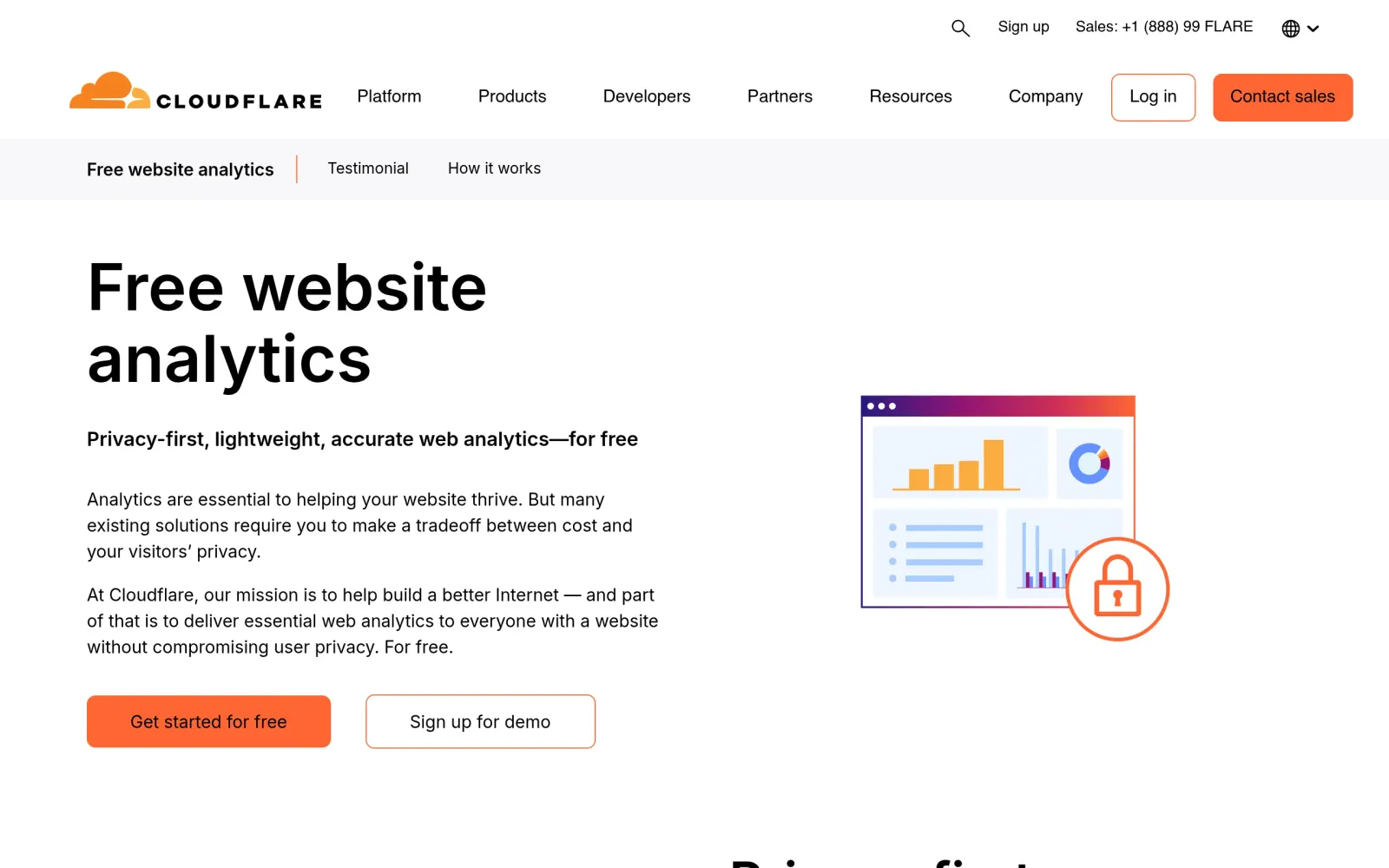
One-line takeaway: If you only need to know whether anyone showed up, where they came from, and which page is hottest, Cloudflare Web Analytics is free and good enough — no cookies, no fingerprinting, and usually no consent banner.
What you need
- A live website (static site, blog, or landing page) and a free Cloudflare account
- No backend changes, and no card required for the analytics product itself
Steps
Step 1: Confirm what is free and what you actually get
Cloudflare positions Web Analytics as "Privacy-first, lightweight, accurate web analytics — for free." You get page views, visits, top pages, referrers, countries, devices, and real-visitor page performance (Core Web Vitals) — not a stitched-together journey for each individual visitor.
Step 2: Enable it the official way — automatic injection if you already use Cloudflare
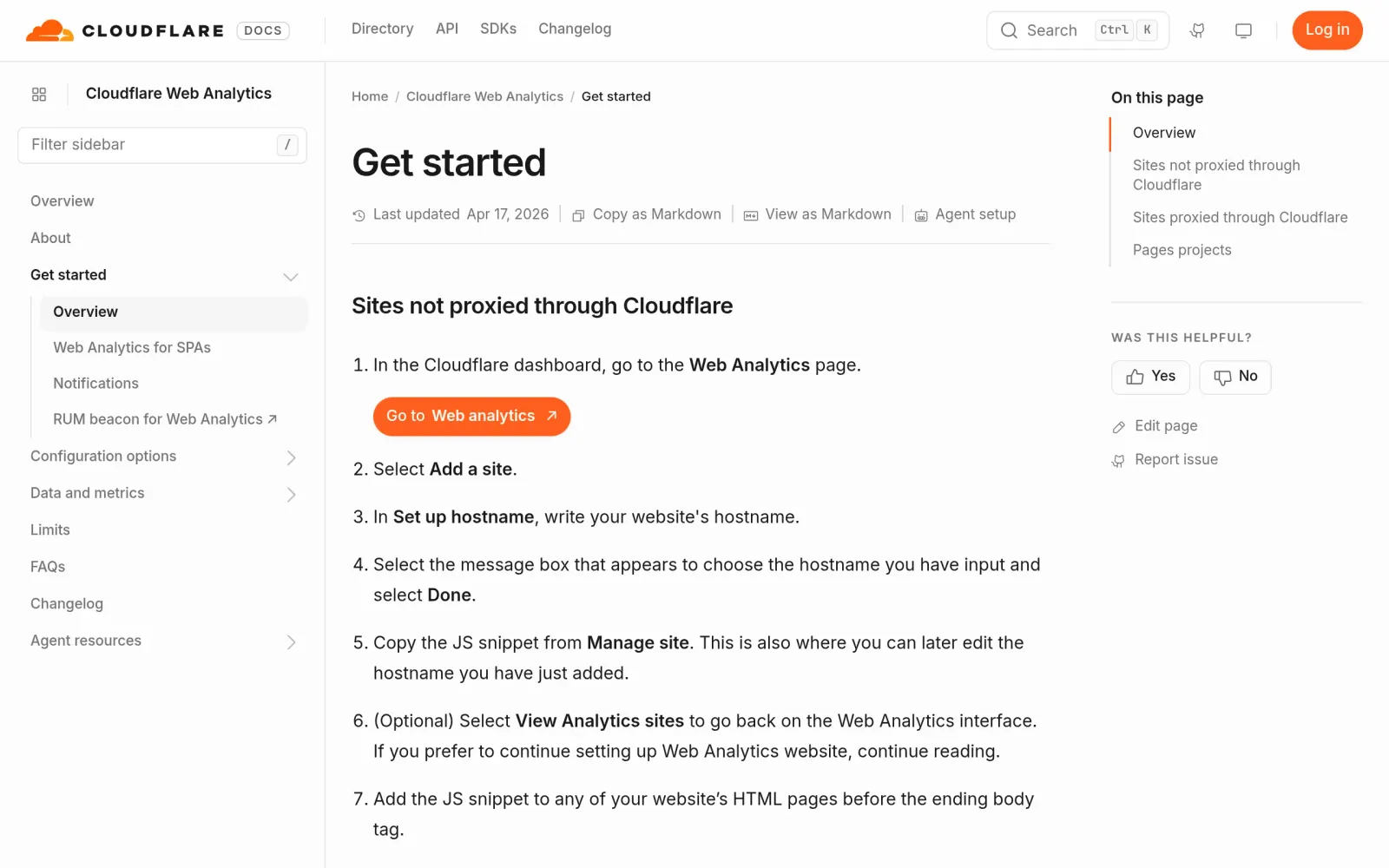
Pick the path that matches your setup:
- Site already proxied through Cloudflare: Dashboard → Web Analytics → Add a site → pick the hostname → Done. Automatic setup is the default; no code changes.
- Cloudflare Pages project: Dashboard → Workers & Pages → select the project → Metrics → Enable under Web Analytics. The snippet is added on the next deployment.
- Site not proxied through Cloudflare: Add the site in Web Analytics, choose manual JS snippet installation, and paste the beacon before the closing
</body>tag.
Step 3: Know its limits before you drop Google Analytics
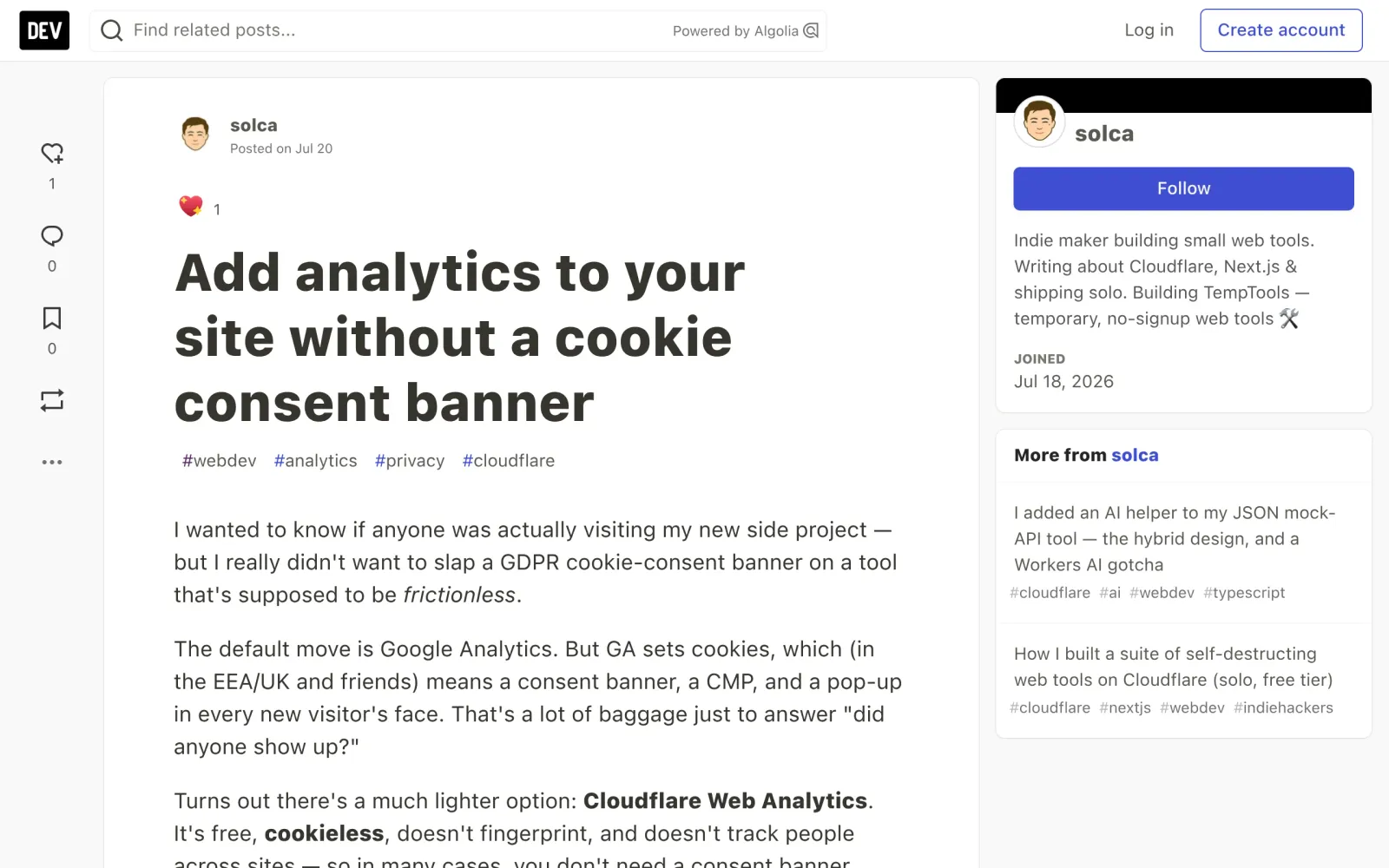
Because it sets no cookies and does no cross-site tracking, in most cases you do not need a cookie consent banner. But it deliberately lacks sessions, bounce rates, conversion funnels, and custom events. It is not a Google Analytics replacement for funnel work; it is the lowest-friction answer to "is anyone visiting?"
Costs, caveats, and pitfalls
- Cost: Web Analytics itself is free. Do not confuse it with paid Cloudflare plan features.
- Retention limit: A third-party comparison notes Cloudflare keeps only the last six months of Web Analytics data, with aggregation/sampling for older data after seven days. Export key numbers regularly if you want year-on-year comparisons.
- Strict CSP can silently block the beacon: If your site uses a strict Content-Security-Policy, the beacon may be blocked without any error. Check CSP first if data stays at zero.
- EU exclusion option: The official docs offer "Enable, excluding visitor data in the EU" if you want extra caution for EU visitors.
- Ad blockers: Any browser-side analytics loses some traffic to blockers. Treat the numbers as trends, not an exact ledger.
Sources
- Cloudflare Web Analytics product page: https://www.cloudflare.com/web-analytics/
- Cloudflare official getting-started docs: https://developers.cloudflare.com/web-analytics/get-started/
- DEV walkthrough, "Add analytics to your site without a cookie consent banner": https://dev.to/solca/add-analytics-to-your-site-without-a-cookie-consent-banner-4a11
- Plausible comparison (retention and sampling): https://plausible.io/vs-cloudflare-web-analytics