
DuckDNS Free Subdomains: Get yourname.duckdns.org in 5 Minutes, and Keep It Working When Your Home IP Changes
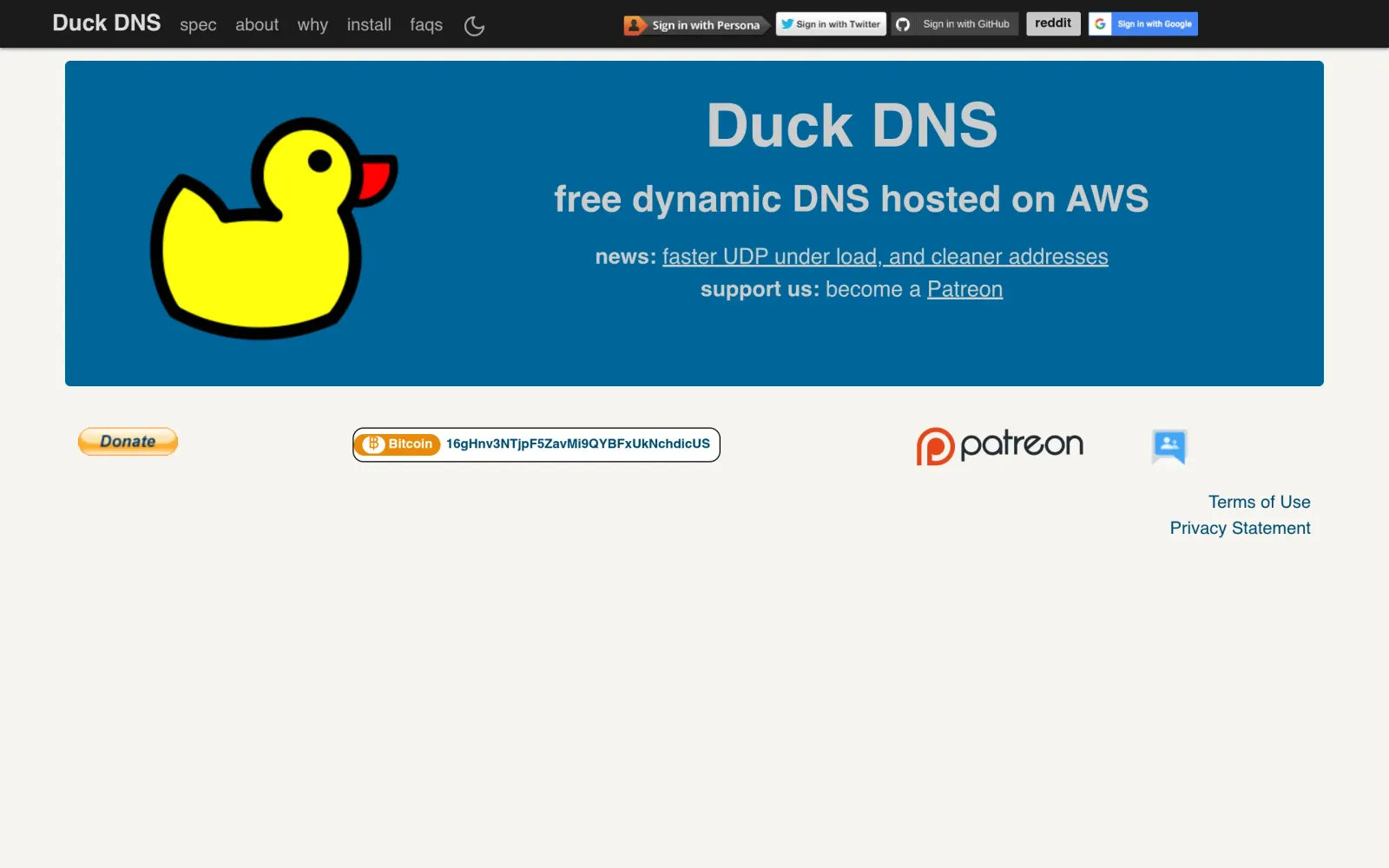
One-line takeaway: Home broadband IPs change, and remote access breaks with them. DuckDNS is a donation-funded free dynamic DNS service: register yourname.duckdns.org, run a tiny script at home every 5 minutes, and the domain follows your IP automatically — no domain purchase, no static IP purchase.
What you need
- A GitHub, Google, or X (Twitter) account to sign in to DuckDNS (no separate password to register)
- A device at home that stays on (a Raspberry Pi, an old PC, or a NAS) and can run a scheduled task
- Acceptance of DuckDNS's scope: it solves exactly one problem — keeping a domain pointed at your IP. It is not a website host, a mail host, or a certificate service.
Steps
Step 1: Sign in to DuckDNS and claim a subdomain
Go to duckdns.org and sign in with GitHub, Google, or X. One misleading detail: the homepage header still shows Persona and Reddit sign-in buttons, but third-party tutorials report that those two no longer support new registrations — stick to GitHub, Google, and X, and do not waste time on the other two buttons. After signing in, find the add-domain box, type your chosen name (for example, myhome), and click Add domain — you now own myhome.duckdns.org. Each account is limited to 5 subdomains (third-party tutorial wording), and names are first-come-first-served: if yours is taken, pick another.
Step 2: Copy your token — it is the key that changes your IP
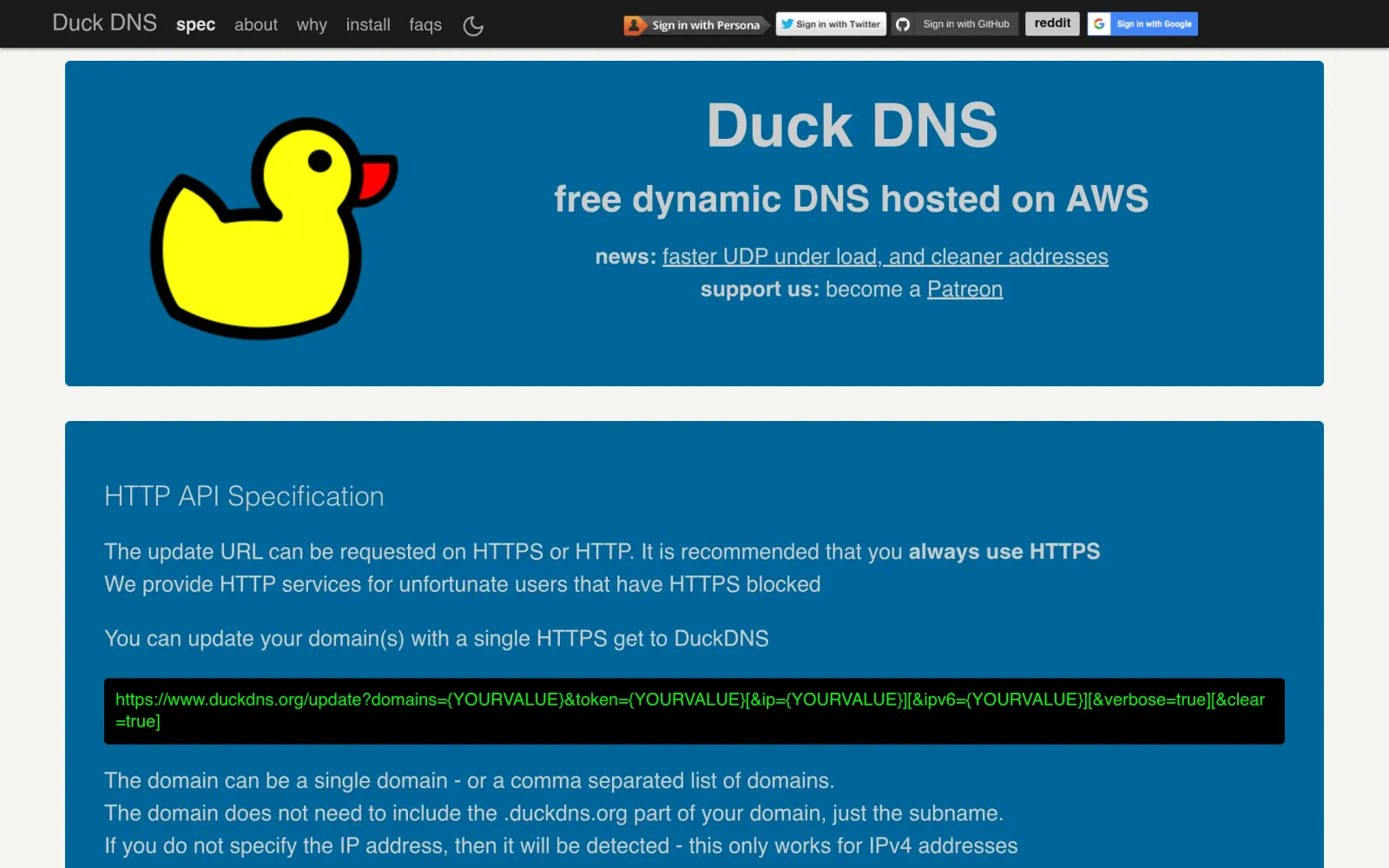
Your account token is shown on the homepage after sign-in. Never publish it, never commit it to a public repository, never include it in a screenshot. DuckDNS's official API specification gives the update URL format: https://www.duckdns.org/update?domains=your-subdomain&token=your-token&ip= — leave ip blank and your IPv4 address is auto-detected; add &verbose=true for a detailed OK response. A normal success response is OK, a failure is KO. If a token ever leaks, anyone holding it can point your domain at their own server — retire the affected subdomain, rotate the token, and rebuild the mapping. Do not hope for the best.
Step 3: Run a 5-minute update script at home

Following a Raspberry Pi setup tutorial updated on 27 October 2026: install curl on the home device, write a duck.sh containing a single update request (with your own subdomain and token substituted), make it readable only by you with chmod 700 duck.sh, then add a cron line with crontab -e: */5 * * * * /opt/duckdns/duck.sh >/dev/null 2>&1, running every 5 minutes. After a few minutes, verify with nslookup yourname.duckdns.org or by opening it in a browser, and confirm the resolved IP matches your current public IP.
Costs, caveats, and pitfalls
- Cost: $0. DuckDNS runs on donations and has no paid tier. Donate if you like it, but do not expect a commercial SLA.
- Biggest trap: treating the token like a throwaway. The most common accident in tutorial screenshots and help posts is a token captured in the image — check every picture and command for a token before posting.
- It is not a full hosting package: DuckDNS only provides the domain and dynamic resolution. Reaching a home service from outside still needs your own port forwarding or reverse proxy — and admin panels must not sit exposed on the public internet. Put a reverse proxy and authentication in front first, then talk about remote access.
- Auto-detection is IPv4-only: the API specification states that leaving ip blank auto-detects IPv4 addresses only. A pure IPv6 setup must pass the ipv6 parameter explicitly.
- Versus is-a.dev and pp.ua: those are fixed subdomains (good for public websites); DuckDNS is a dynamic domain (good when a home IP changes). Public website: pick the former. Reaching home: pick DuckDNS. Do not use the wrong tool for the job.
- Free-service track record: DuckDNS has run for years on donations, with no known history of mass bans or stealth paywalls — but free services can change their rules at any time, so do not stake a critical service on a single dynamic domain.
Sources
- DuckDNS official site: https://www.duckdns.org/
- DuckDNS update API official specification: http://www.duckdns.org/spec.jsp
- DuckDNS Raspberry Pi setup tutorial (HPR episode 4203, updated 27 October 2026): https://hpr.horning.us/eps/hpr4203/index.html