
Google Cloud's Always-Free e2-micro: 1 vCPU, 1 GB RAM — Free Only If You Open It in the Right Place
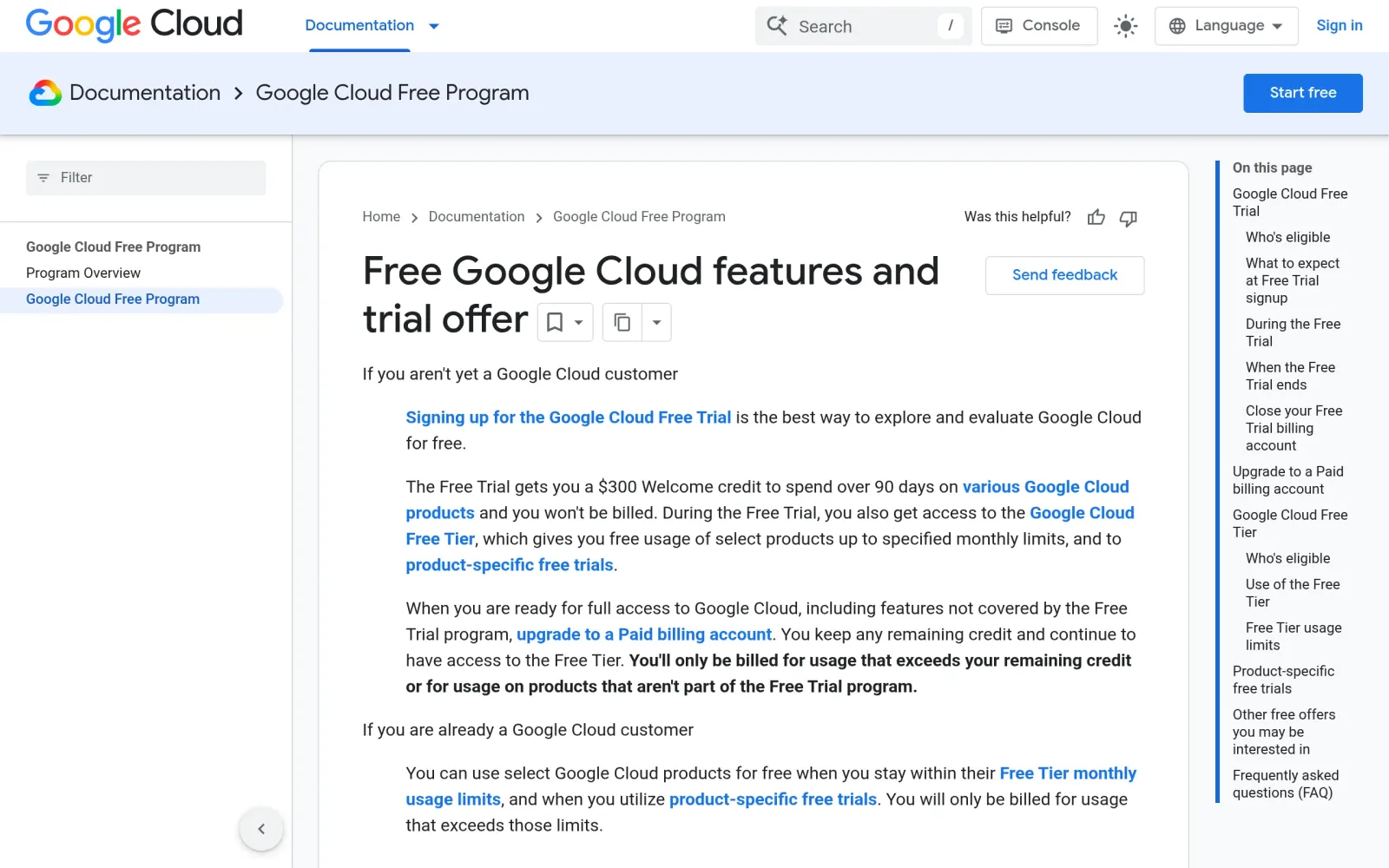
One-line takeaway: Google Cloud has a genuinely long-term free virtual machine: the e2-micro, one instance a month, 30 GB of disk, 1 GB of outbound traffic. The three hard conditions are machine type, region, and disk — open it in Frankfurt or Singapore and it looks identical, but bills at full price.
What you need
- A Google account to register for Google Cloud (the $300 trial is a separate offer — see Step 1, do not confuse the two)
- Acceptance of this machine's role: lightweight apps, scheduled jobs, learning and experiments — not a heavy workload host
- The three free regions memorised: Oregon (us-west1), Iowa (us-central1), South Carolina (us-east1)
Steps
Step 1: Separate the two offers — $300 for 90 days, e2-micro free long-term
Google Cloud's official free-features documentation states the Compute Engine allowance: one non-preemptible e2-micro VM per month in one of three US regions — Oregon (us-west1), Iowa (us-central1), South Carolina (us-east1) — with 30 GB-months of standard persistent disk and 1 GB of outbound data transfer per month from North America to all region destinations except China and Australia. GPUs and TPUs are excluded: add one and you pay. New accounts also get $300 in trial credit for 90 days — that credit expires, while the e2-micro allowance resets monthly and has no end date. Keep the two accounts separate in your head.
Step 2: Create the instance on the free configuration — region, machine type, disk all checked
Following a third-party 2026 console guide: go to console.cloud.google.com, create or pick a project, enable the Compute Engine API, then go to VM Instances and click Create Instance. Name it anything; the region must be one of the three free regions (the guide uses us-central1-a as the example); pick the e2-micro machine type (the console shows a Free tier badge); choose a Debian or Ubuntu boot disk on standard persistent disk, no larger than 30 GB; tick Allow HTTP traffic if the VM will serve web pages. Before clicking Create, check the monthly estimate panel on the right: with all three settings right, it should read $0.
Step 3: Avoid the two most common billing traps — hourly metering, regions not pooled
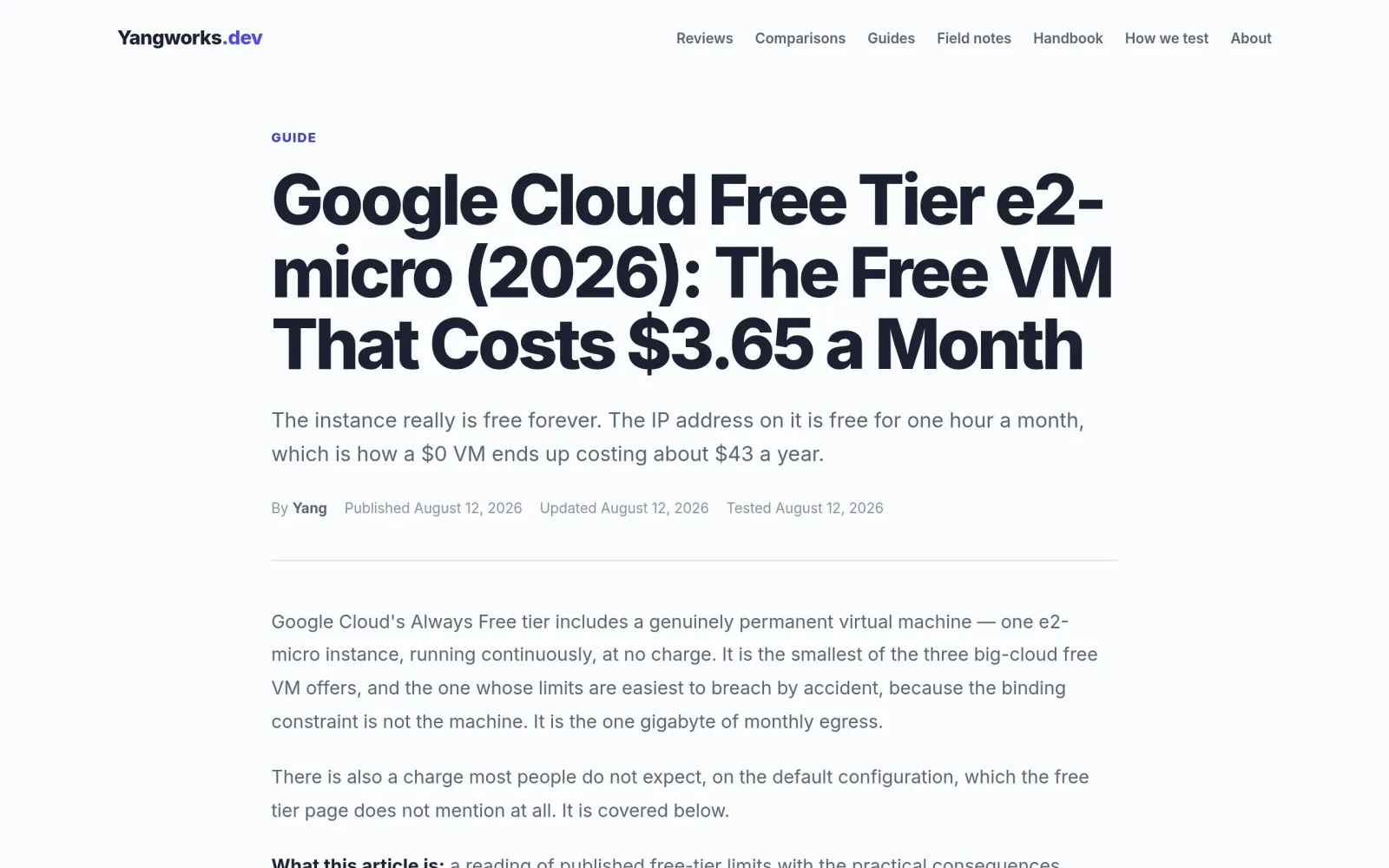
A third-party explainer highlights the two misreadings worth memorising. First, the allowance is metered by time, not by instance: each month, eligible use of all your e2-micro instances is free until you have used as many hours as the month contains, with usage combined across the supported regions. Two instances running concurrently for a full month means roughly half that usage is billable. Second, only the three US regions count as free — an e2-micro elsewhere looks identical and bills normally, the single most common source of a surprise Compute Engine bill. Also note: the allowance does not roll over month to month, and Windows and Marketplace images are outside the free scope (third-party guide wording).
Costs, caveats, and pitfalls
- Cost: $0 within the allowance; anything above it bills at normal rates, and there is no automatic spending cutoff — set a billing budget alert before you deploy anything, not after the first bill arrives.
- Performance limit: the e2-micro is 2 shared vCPUs with 1 GB of RAM, burstable. A third-party comparison warns that 1 GB of RAM is the real ceiling: an idle tiny service boots fine, but a few users and plugins can push it into swapping or crashing. Do not use it as a game server or a heavy application host.
- Traffic limit: only 1 GB of free outbound traffic per month (from North America, excluding China and Australia destinations). Image hosting, download sites, and high-traffic sites will blow past it immediately; lightweight APIs, bots, and scheduled jobs are the right fit.
- Versus Oracle: Oracle's A1 offer is 2 vCPUs and 12 GB of RAM but requires waiting for capacity (this series covered its setup on 20 October 2026), while GCP's e2-micro is 1 vCPU and 1 GB but available immediately. Wait for Oracle if you need performance; pick GCP if you need certainty — do not merge the two offers into a machine that does not exist.
- The free tier can change: the official docs note the free usage limit does not expire but is subject to change, so re-check docs.cloud.google.com/free/docs/free-cloud-features before you act.
Sources
- Google Cloud free features official documentation: https://docs.cloud.google.com/free/docs/free-cloud-features
- GCP free VM console walkthrough (third-party 2026 guide): https://copyprogramming.com/howto/setup-free-compute-on-gcp-code-example
- GCP free tier e2-micro explained: https://yangworks.dev/guides/google-cloud-free-tier-e2-micro