
Vercel Hobby in 2026: Free Hosting for Personal Projects, Not for Your Shop
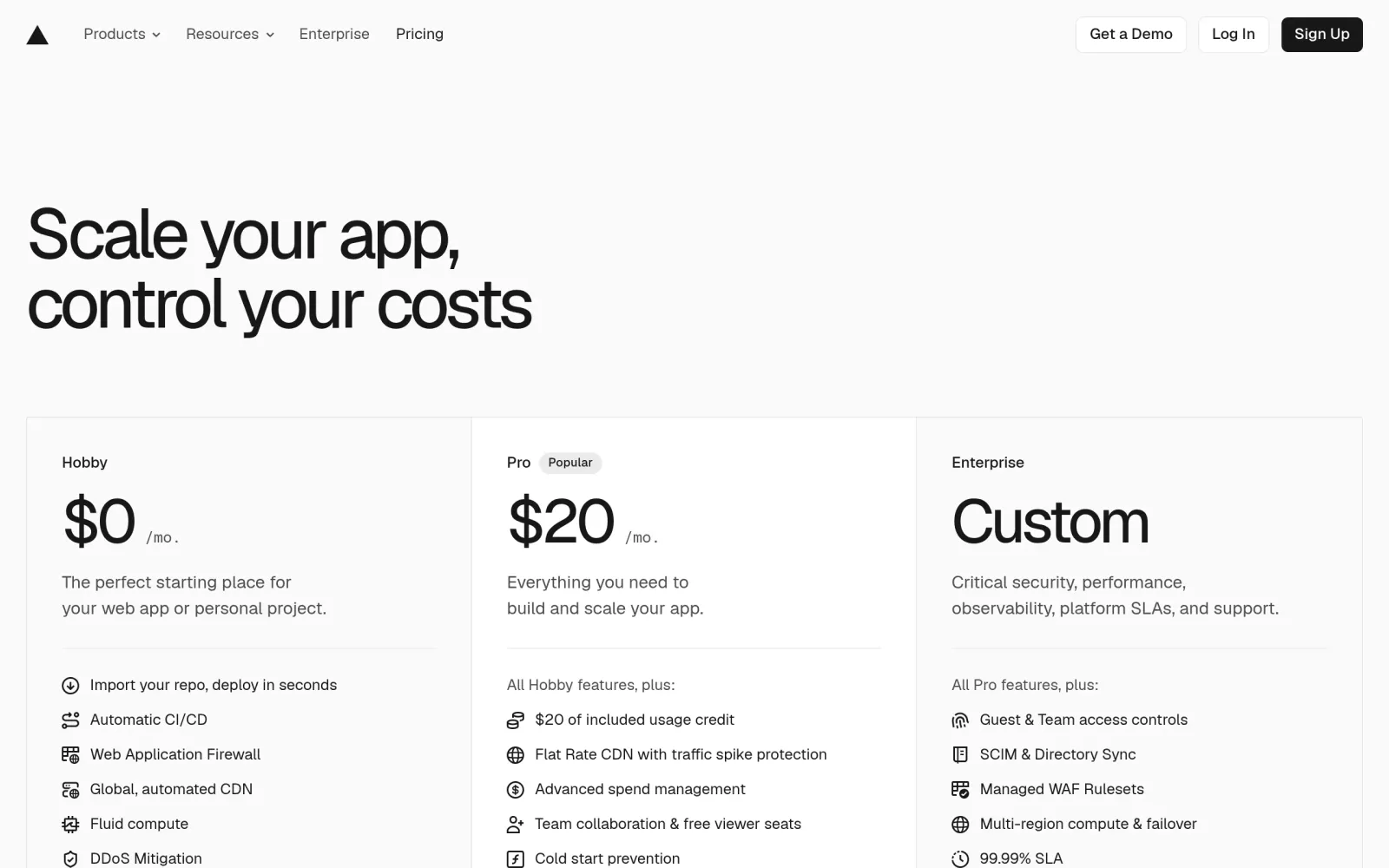
One-line takeaway: Vercel's Hobby plan is $0 with 100 GB of monthly data transfer and 1 million edge requests — generous for a portfolio, a demo, or a learning project. But it has a rule that matters more than any quota: personal, non-commercial use only. If the site earns money or serves a client, you need Pro at $20 per seat per month.
What you need
- A GitHub account (the smoothest way to import a project into Vercel)
- A public code repository: a static site, Next.js, or React app — not a heavy backend workload
- A decision up front: will this site ever take money or serve a client? If yes, do not start on Hobby
Steps
Step 1: Read the pricing page and take in the whole Hobby allowance at once
Open Vercel's pricing page. The Hobby allowance, per official-aligned third-party summaries from August–October 2026, is: 100 GB of fast data transfer per month, 1 million edge requests, 1 million function invocations, 4 hours of Fluid Active CPU, 360 GB-hours of provisioned memory, 1 GB of Blob storage, 1 team member, and unlimited deployments. Two details matter: Hobby cannot buy extra usage — when you exceed a limit, the resource pauses until the next cycle or until you upgrade; and build-minute figures differ across third-party pages, so this guide does not treat any build-minute number as firm — check the usage page inside your own account instead.
Step 2: Import from GitHub and deploy once to get a live URL
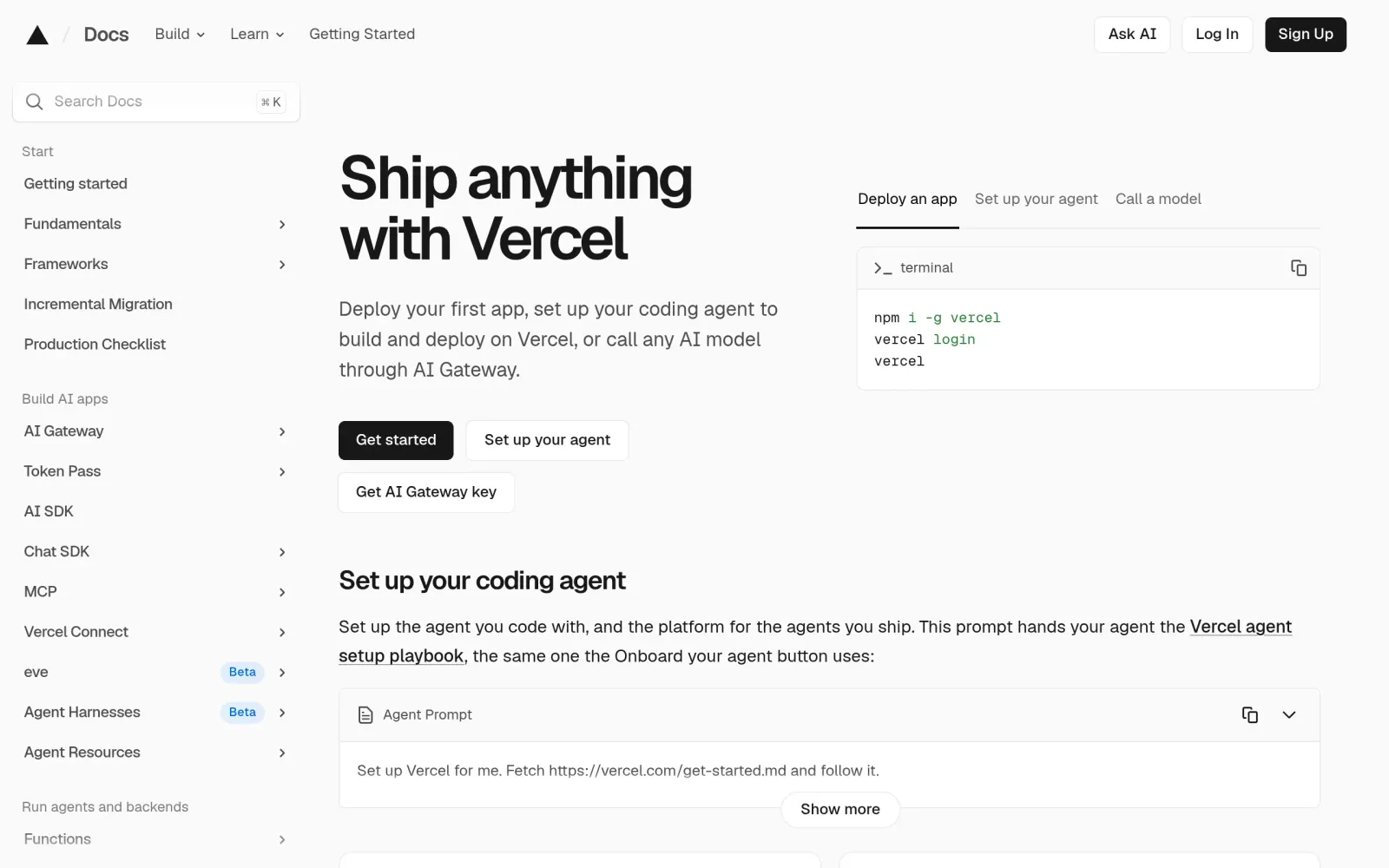
In the Vercel dashboard, choose Add New, then Project, and import a GitHub repository. The framework preset is usually auto-detected (Next.js, Vite, or plain static sites all get sensible defaults), so you rarely need to change the build command. Click Deploy, wait for the build, and you get a vercel.app subdomain. Push code to GitHub afterwards and Vercel redeploys automatically. If a build fails, read the build log first — a wrong framework preset or a missing environment variable is the usual cause, not the platform.
Step 3: Add a custom domain and watch the usage dashboard before you hit a limit
Under Project Settings, then Domains, add your own domain, follow the DNS instructions, and wait for the HTTPS certificate to issue automatically. Then check Usage once a month: if data transfer is approaching 100 GB or function invocations are approaching 1 million, decide early whether to slim down (compress images, add caching) or upgrade. A personal blog or small tool rarely gets close; but at 3 MB per page, 100 GB only covers roughly 33,000 page views a month, so compress images before launch.
Notes, costs, and pitfalls
- Cost: Hobby is $0; Pro is $20 per developer seat per month (including $20 of usage credit), with 1 TB of data transfer and 10 million edge requests; Enterprise is custom-priced. Prices are as shown on the pricing page at deploy time.
- The biggest pitfall — the non-commercial rule: Hobby is for personal, non-commercial use only. A subscription store, a paid landing page, or a client project belongs on Pro, however small its traffic. Running a commercial site on Hobby violates the terms; it is not a clever saving.
- How it compares: For Next.js projects, Vercel is the natural first choice (same-team optimization). For purely static sites, Netlify and GitHub Pages are equally viable — Netlify's credit system requires adding up deployments, bandwidth, and functions, while GitHub Pages is the simplest but weakest for dynamic features.
- Track record: Vercel has no public record of suddenly killing its free tier, but its billing rules keep changing — 2026 moved from simple tiers to a mix of allowances and metered billing, so do not copy quota figures from a 2024 tutorial.
- Pitfalls: ① Hobby does not charge overages — it stops serving, so never point event traffic at it. ② Hobby allows only 1 member; collaboration needs Pro. ③ Get the build passing locally first; missing environment variables are the most common deploy failure.
Sources
- Vercel pricing: https://vercel.com/pricing
- Vercel documentation: https://vercel.com/docs
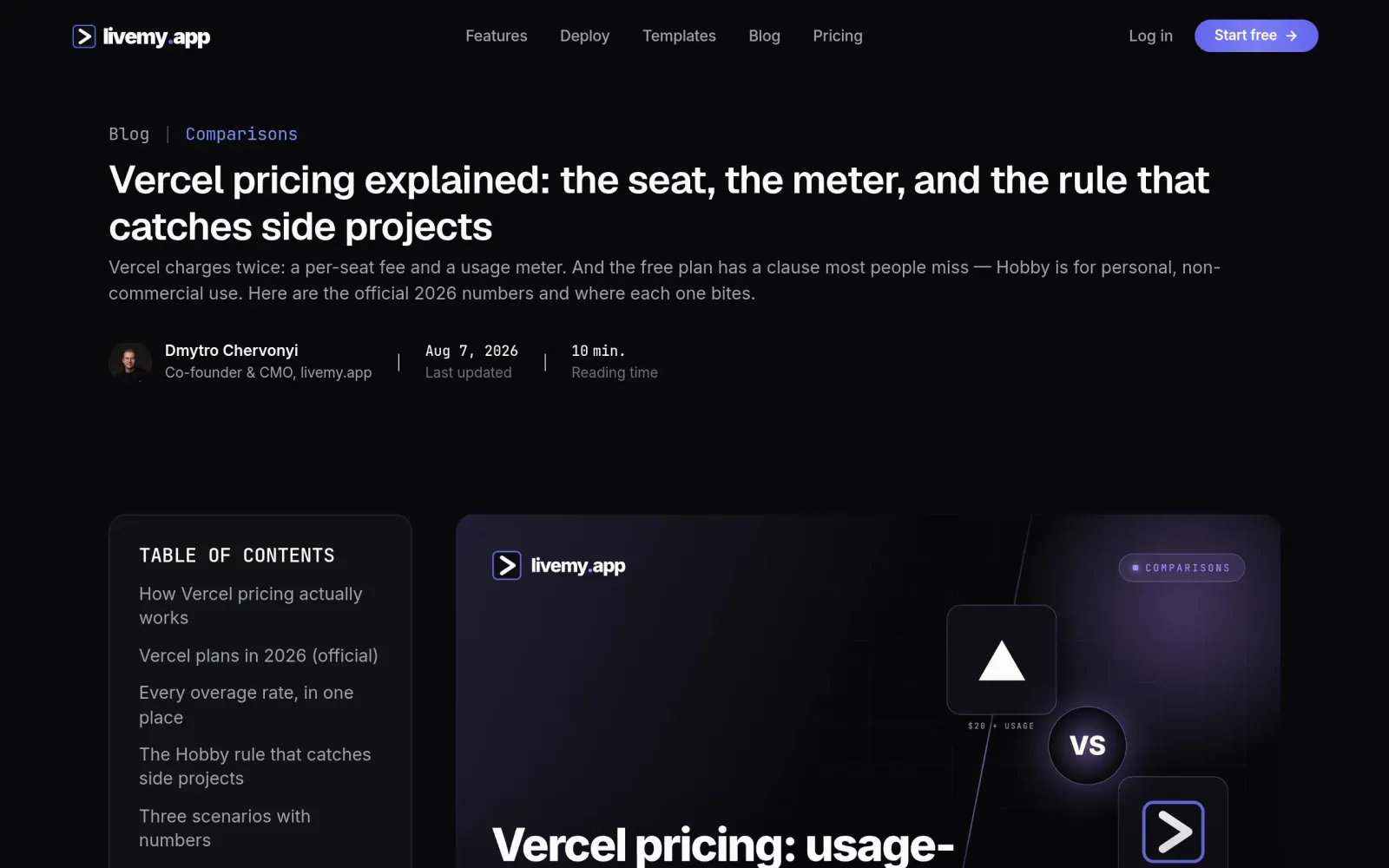
- 2026 pricing breakdown (Hobby allowance and non-commercial rule, checked August 2026): https://livemy.app/blog/vercel-pricing
- Pro comparison: https://dev.to/zforzain2000/vercel-vs-vps-for-nextjs-the-real-monthly-cost-in-2026-431o