
Cloudflare Pages Free in 2026: Unlimited Bandwidth for Static Sites, 500 Builds a Month
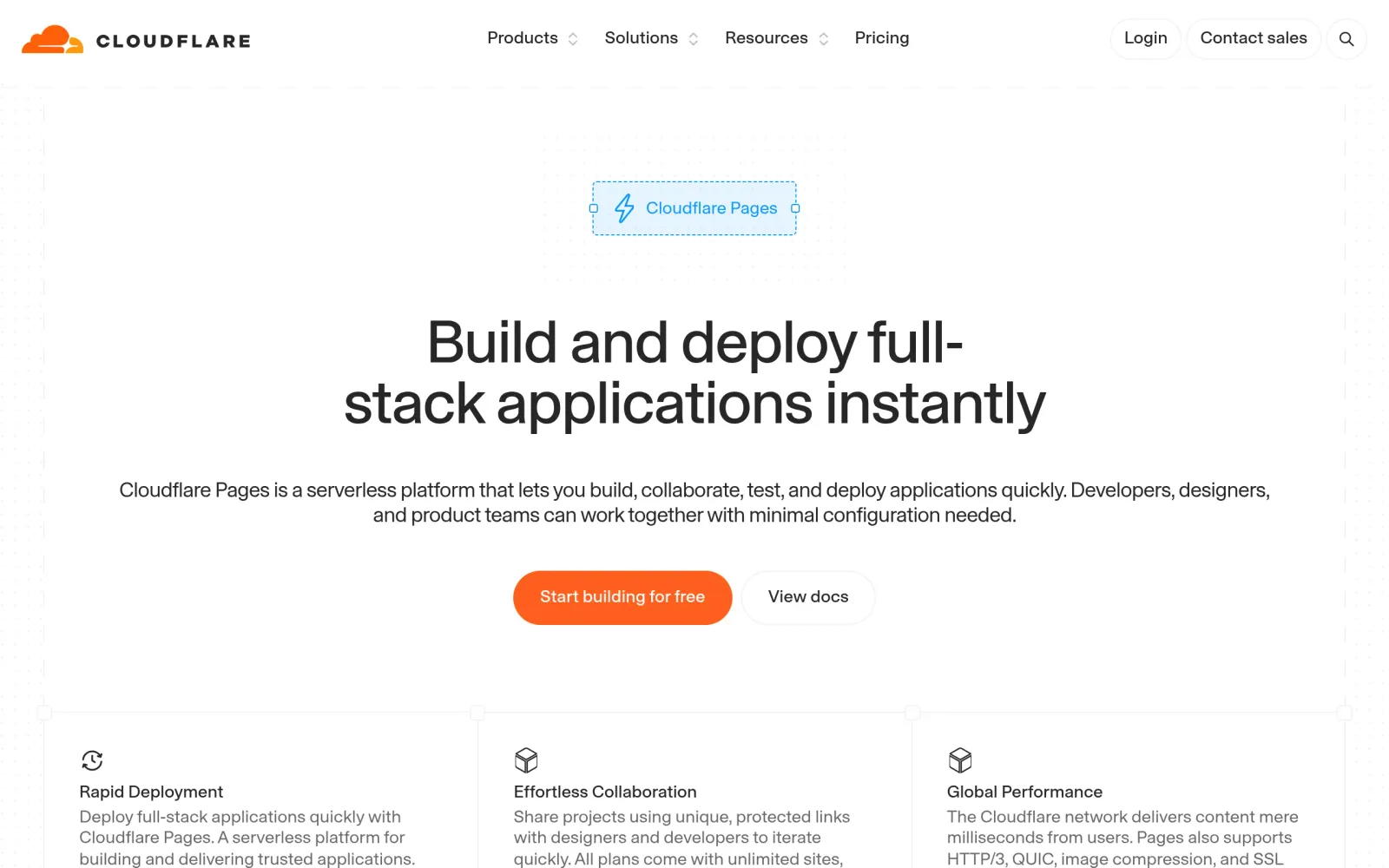
One-line takeaway: If yesterday's Netlify guide was about 300 credits and the Vercel guide about 100 GB, Cloudflare Pages is the third shape of free hosting: static traffic and requests are unmetered on every plan, and the free plan's real limits are 500 builds a month, 20,000 files per site, and 25 MiB per file. A personal blog, portfolio, or landing page will almost never hit them — but a site with server-side logic does not belong here.
What you need
- A free Cloudflare account (no card required)
- A static site's source in a GitHub or GitLab repository (plain HTML/CSS/JS, or a static export from Hugo, Astro, Next.js, or similar)
- A project you can accept as purely static: if your site needs logins, a database, or server-side rendering, do not start on Pages — see the routing advice in Step 4
Steps
Step 1: Read the product page and confirm how far "free" actually goes
Open the Cloudflare Pages product page and note its core offer: sites are served from Cloudflare's edge network across 200+ cities, and every push to GitHub or GitLab triggers an automatic build and deployment to all nodes. For static sites, the official line is that every plan includes unlimited sites, unlimited requests, and unlimited bandwidth — the direct contrast with Netlify (100 GB/month) and Vercel Hobby (100 GB/month): traffic anxiety does not exist here.
Step 2: Verify the October 2026 free-plan numbers, and ignore older tutorials
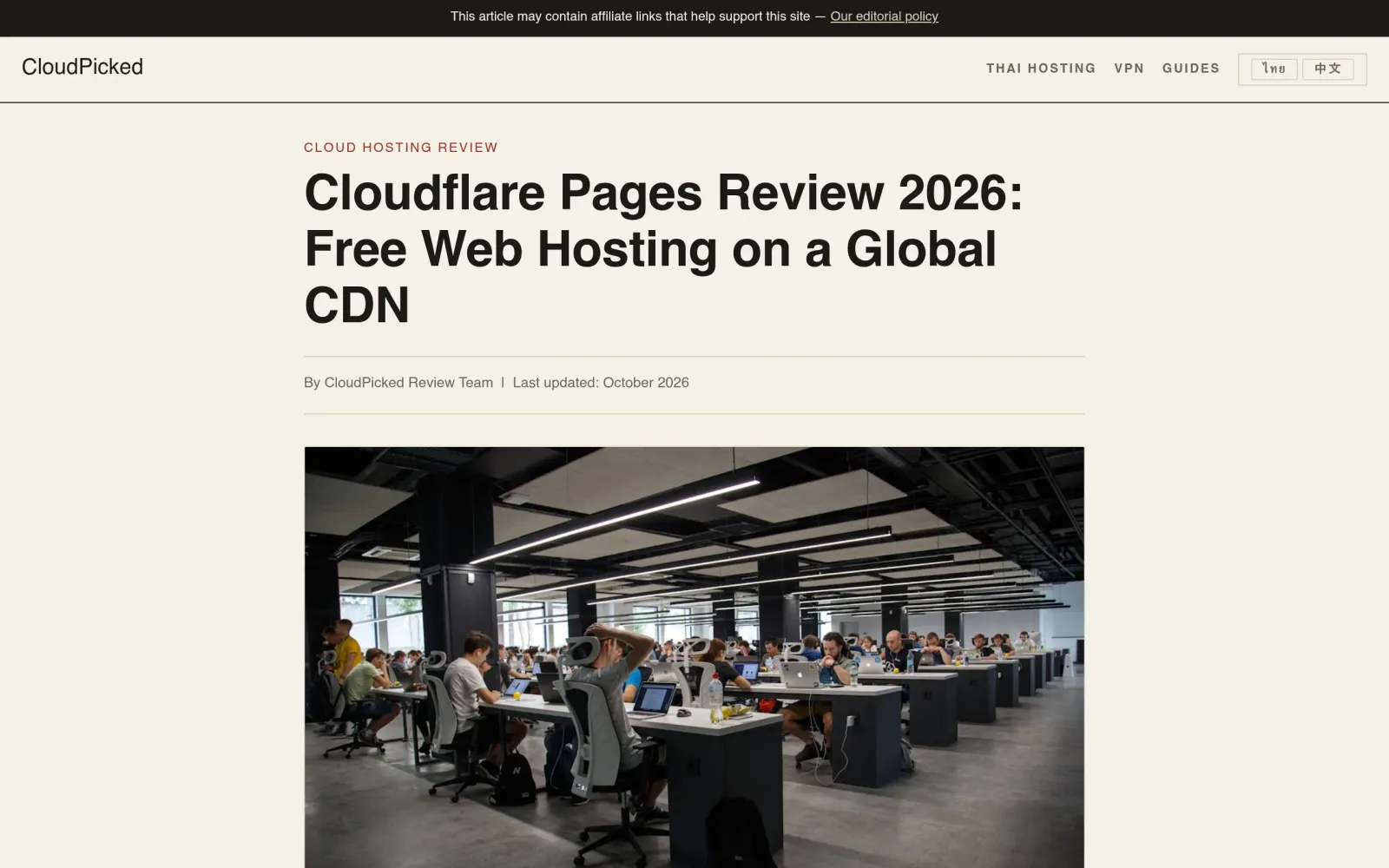
Per multiple reviews cross-checked against Cloudflare's documentation in October 2026, the free plan's key numbers are:
- Builds: 500 per month, 1 at a time, 20-minute timeout per build. A personal site deploying a few times a week uses a tiny fraction; projects with many branches or collaborators pushing at once will queue.
- Files per site: 20,000, with a 25 MiB maximum per file. A blog or portfolio fits easily; uncompressed video and full-resolution photos will hit the per-file cap first — compress before deploying.
- Custom domains per project: 100. More than enough for personal use.
- Projects per account: 100. This cap is the same on every plan — upgrading does not raise it; it exists to stop abuse.
- Requests and bandwidth: unlimited. Static assets are not metered — the free plan's real moat.
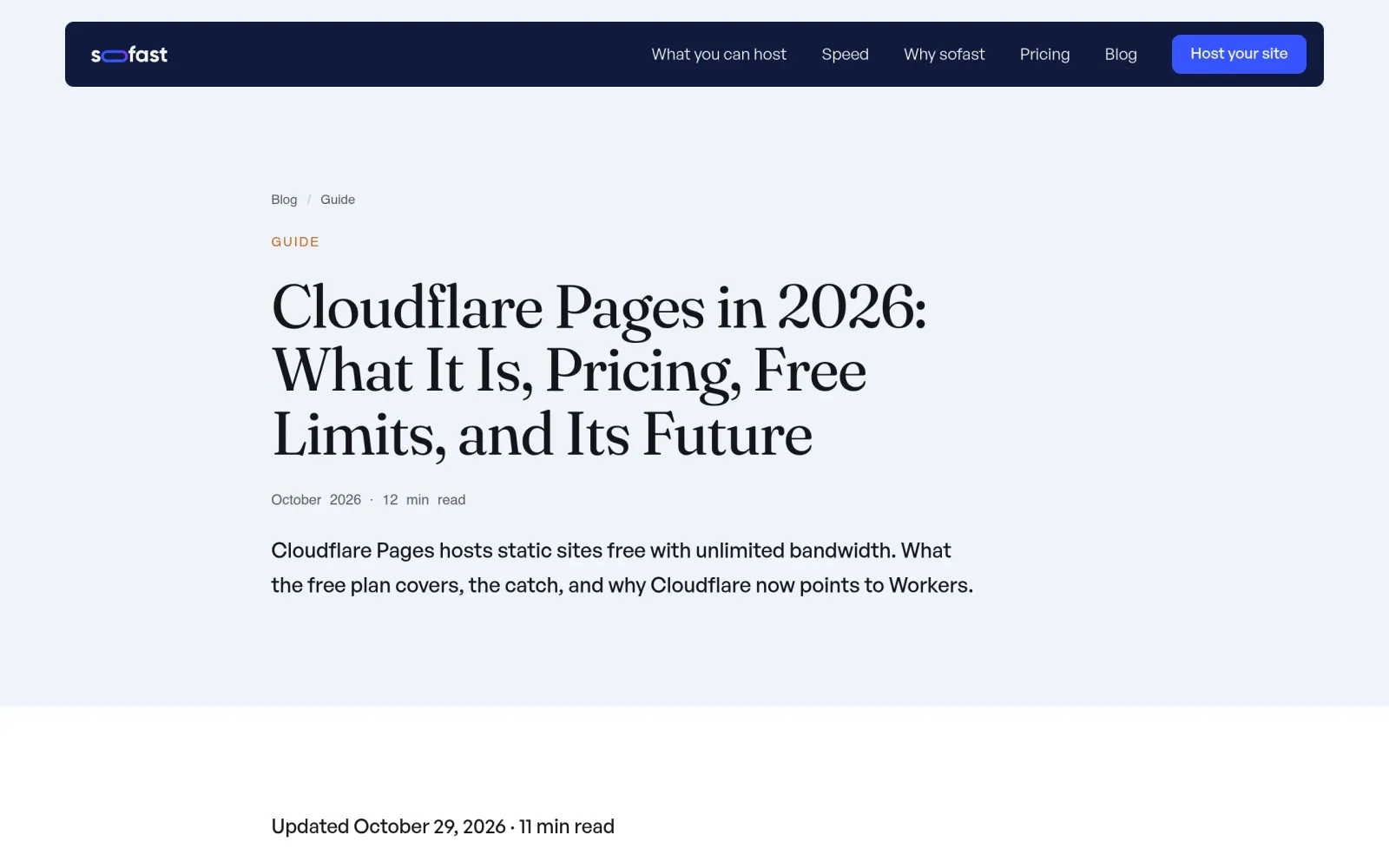
One version note: Cloudflare's documentation now steers new projects toward Workers (where static-asset requests are also unlimited). Pages is still supported with no official end date, but new features go to Workers first — if you are starting fresh and willing to learn one more thing, compare the Workers static-assets route; if you want stability and documentation depth, Pages remains a working choice today.
Step 3: Import from Git and deploy once to get a live URL
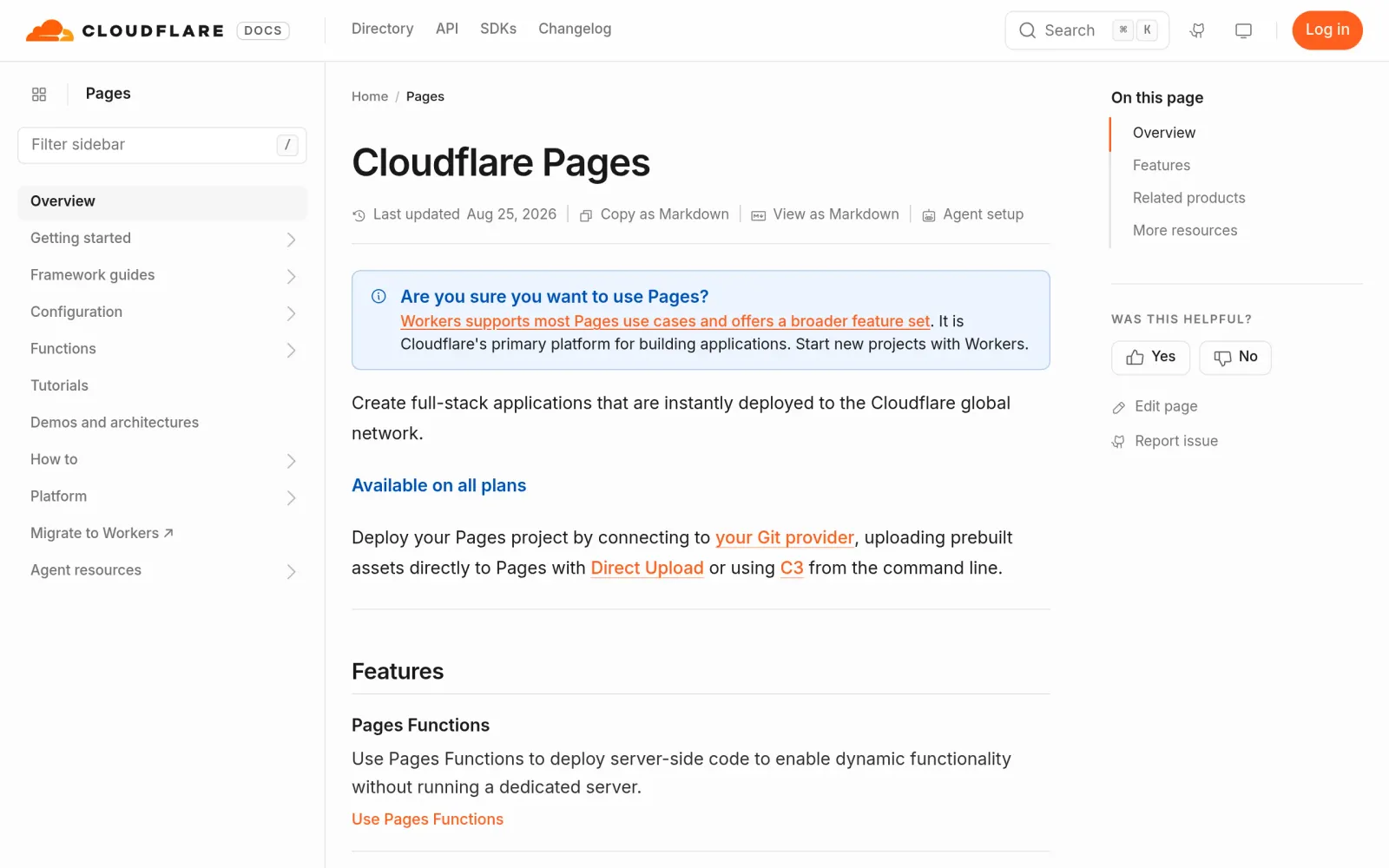
Following the official documentation flow: Cloudflare dashboard → Workers & Pages → Create → Pages → Connect to Git, pick your GitHub or GitLab repository, and let the framework preset auto-detect (Hugo, Astro, Next.js static export, and plain static sites all have presets). Keep the preset's build command and output directory, then Deploy. A successful first build gives you a *.pages.dev URL; every later push to the repository rebuilds and redeploys automatically, with no manual uploads.
Before pushing, run the build locally once: your framework's build command must produce output locally, and no single output file may exceed 25 MiB. The most common Pages build failures are build commands that never passed locally and missing environment variables — check those before blaming the platform.
Step 4: Attach a custom domain, and route dynamic needs elsewhere
After a successful deploy, go to Project Settings → Custom domains, add your own domain, follow the DNS instructions, and wait for the HTTPS certificate to issue automatically. The domain does not need to be registered with Cloudflare — just point it as instructed.
Route dynamic needs explicitly (this step decides whether the free plan bites you):
- Purely static content (articles, portfolios, landing pages): use the Pages free plan with confidence — traffic is unmetered.
- Pages Functions (server logic, SSR): billed as Workers — the free Workers tier allows 100,000 requests per day with 10 ms of CPU per invocation; beyond that, requests fail rather than auto-upgrading to paid. Heavy dynamic use needs Workers Paid (from $5/month) or a Pro plan (from $20/month, builds rising to 5,000/month).
- Database or object storage (D1, R2): not bundled with the Pages free plan; billed separately. Do not assume they are free.
Notes, costs, and pitfalls
- Cost: Pages Free is $0, no card; Pro is about $20/month (5,000 builds/month, 5 concurrent), Business about $200/month (20,000 builds/month, 20 concurrent), with traffic unmetered on every tier. Check Cloudflare's plans page at sign-up.
- Track record: Cloudflare Pages' free tier has no public record of mass shutdowns, surprise charges, or sudden free-tier removal; its model — unmetered static, metered builds and dynamic features — is structurally sustainable. But the free tier is sized for static hosting, not for file storage, video hosting, or proxying; abuse is handled under the terms.
- Pitfalls: ① The 25 MiB per-file cap: compress video and images before deploying, never upload originals. ② The 20-minute build timeout: test build duration locally for very large static sites. ③ Functions are not a free lunch: SSR and API routes consume the Workers free tier's 100,000 daily requests, and exceeding it fails requests instead of auto-upgrading. ④ The docs now recommend Workers for new projects — for a long-term new project, compare the Workers static-assets route before committing.
Sources
- Cloudflare Pages product page: https://pages.cloudflare.com/
- Cloudflare Pages documentation: https://developers.cloudflare.com/pages/
- October 2026 review (free plan: unlimited traffic, 500 builds/month, 20,000 files, 25 MiB per file): https://www.cloudpicked.com/cloudflare-pages-review-en.html
- Review updated October 29, 2026 (Pages still supported, new projects pointed at Workers, Workers free 100,000/day): https://www.sofast.host/blog/what-is-cloudflare-pages/
- October 17, 2026 comparison (Pages vs GitHub Pages vs Netlify free tiers): https://www.danieljin.com/writing/cheapest-website-hosting-2026/