
Firsty Free eSIM: Watch an Ad, Get 20 MB — Land Connected, Not Stranded
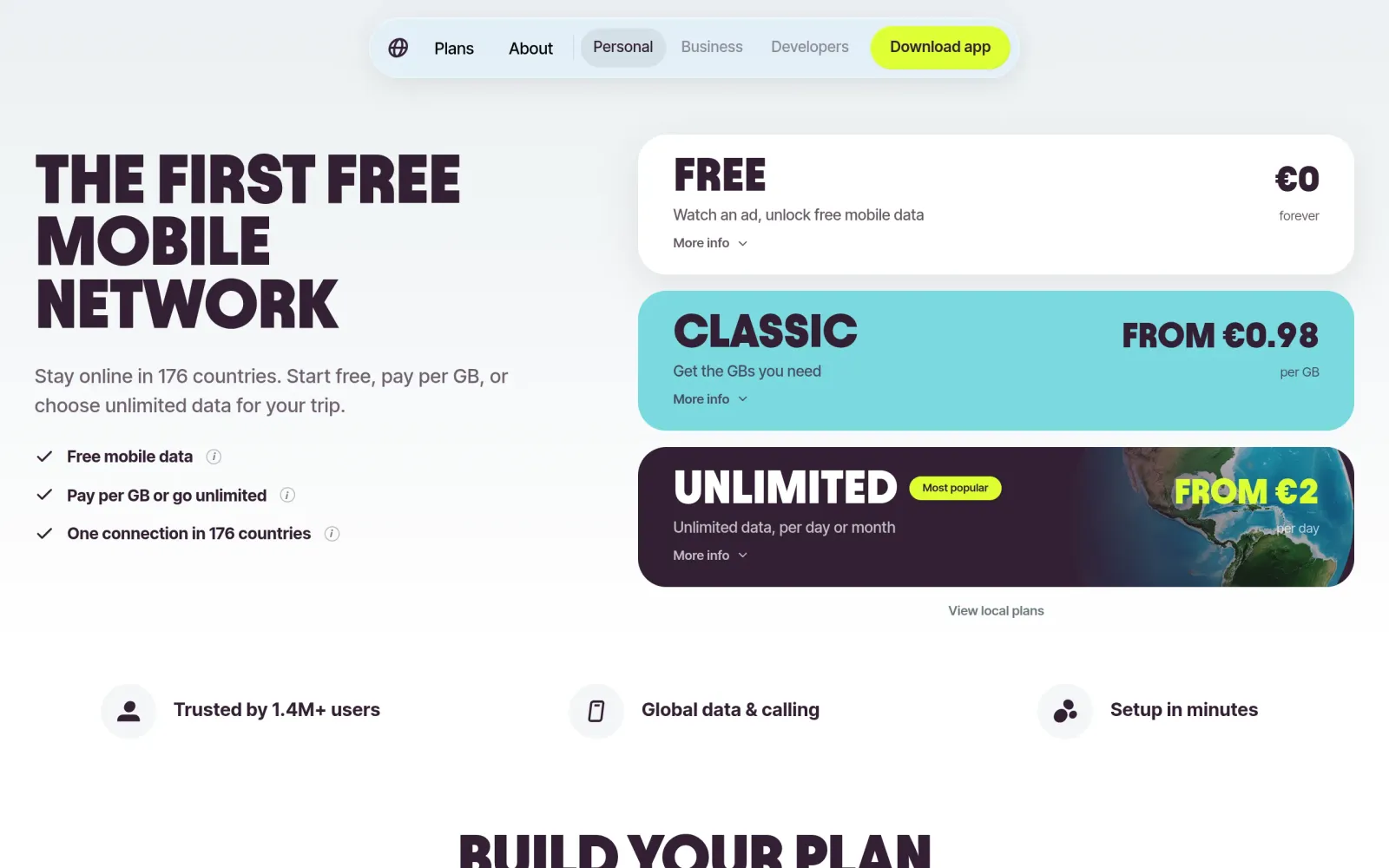
One-line takeaway: The worst moment abroad is landing with no data and no plan yet. Firsty's free tier exists for exactly that gap: install one eSIM, watch a short ad, get 20 MB at 1 Mbps, and stack up to 360 MB a day — no credit card, no contract. It covers WhatsApp, maps, email, and ride-hailing, the four things that save a landing. It will not stream video, share a hotspot, or serve as a long-term number.
What you need
- A phone that supports eSIM (recent iPhones, Pixels, and Samsung flagships generally do; older models and dual-physical-SIM models without eSIM cannot use this at all — skip this guide if yours is one)
- Wi-Fi before departure: the eSIM profile must be installed while you still have internet — do not wait until you land with no connection
- A phone number (for registration; the free tier needs no credit card)
- The expectation that the free tier runs at 1 Mbps in 20 MB slices — it is emergency connectivity, not an unlimited plan
Steps
Step 1: Read the official site and confirm what Firsty Free actually gives you
Open Firsty's site and note its core offer: one eSIM across 170+ countries (some pages say 170, others 176 — treat the in-app coverage as the ground truth), no new card per border crossed, no contract, no roaming bill. It sits alongside your physical SIM as a dual-SIM setup: the physical SIM keeps calls and texts, Firsty handles mobile data. Settle that division of labor before departure and landing gets much calmer.
Step 2: Verify the free tier's exact rules — 20 MB, 1 Mbps, 360 MB a day
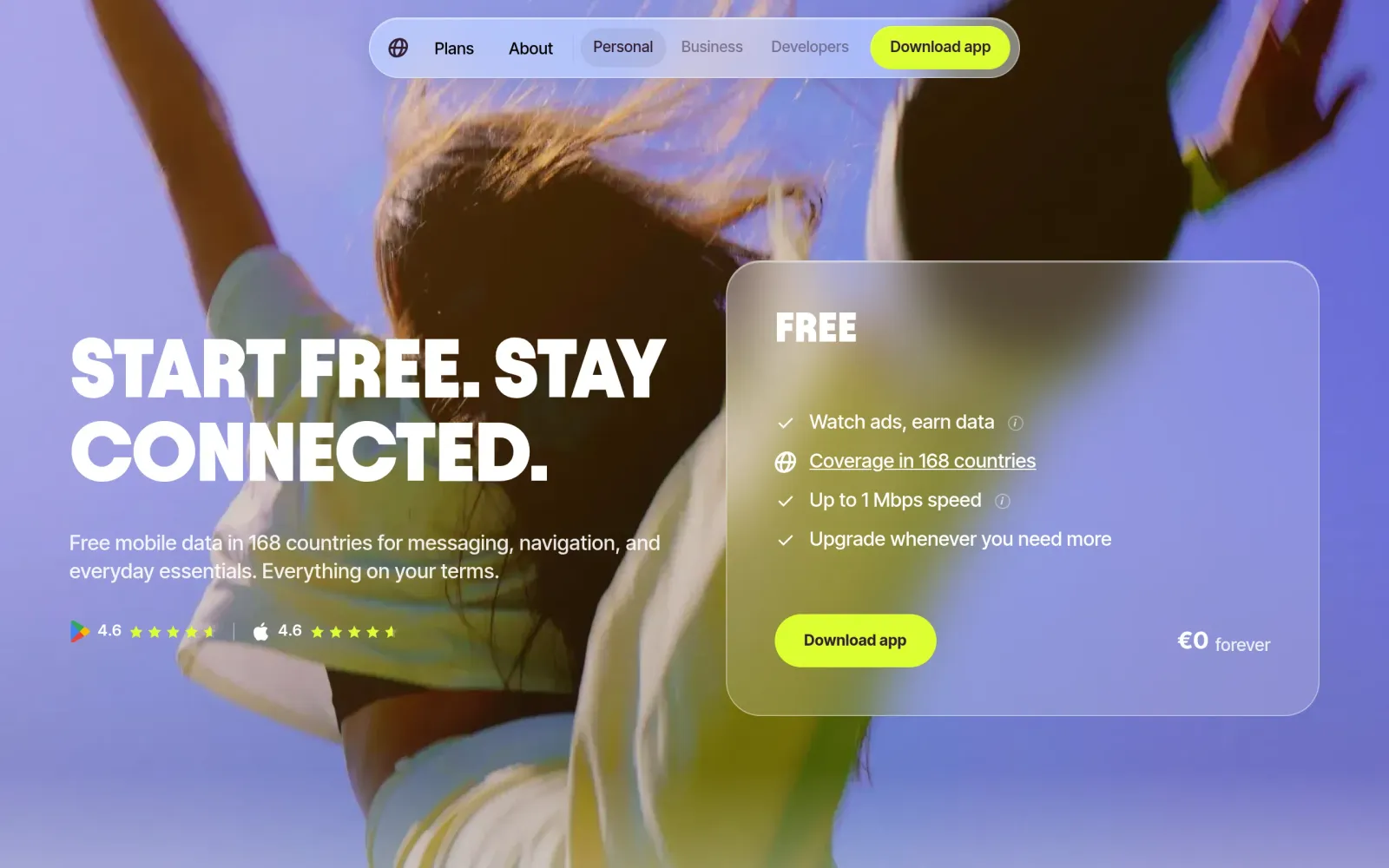
Per Firsty's free-plan page, checked at the end of October 2026:
- One ad = 20 MB at 1 Mbps, valid 7 days. 20 MB covers dozens of WhatsApp messages, a few map lookups, and several emails — not short video.
- Balance cap 240 MB: watch up to 12 ads in a row to fill a 240 MB balance; use some data before you can watch more ads.
- Daily cap 360 MB: at most 18 ads, 360 MB per 24 hours; after that, wait for the next cycle or upgrade.
- No credit card: the free tier never asks for one — ads are its revenue.
- Paid tiers for reference (check in-app prices): Classic from €0.98/GB (0.5–50 GB packs, full speed, 30-day validity), Unlimited from €2/day (5 GB at full speed daily, then 512 Kbps, hotspot included).
Version warning: reviews from 2024 describe a "60-minute free session, then watch an ad to continue" model. The rules have since changed to MB-based accounting — do not follow a 2024 guide against today's app; trust the free-plan page.
Step 3: Install the app and the eSIM, turn on roaming — all on Wi-Fi, before departure
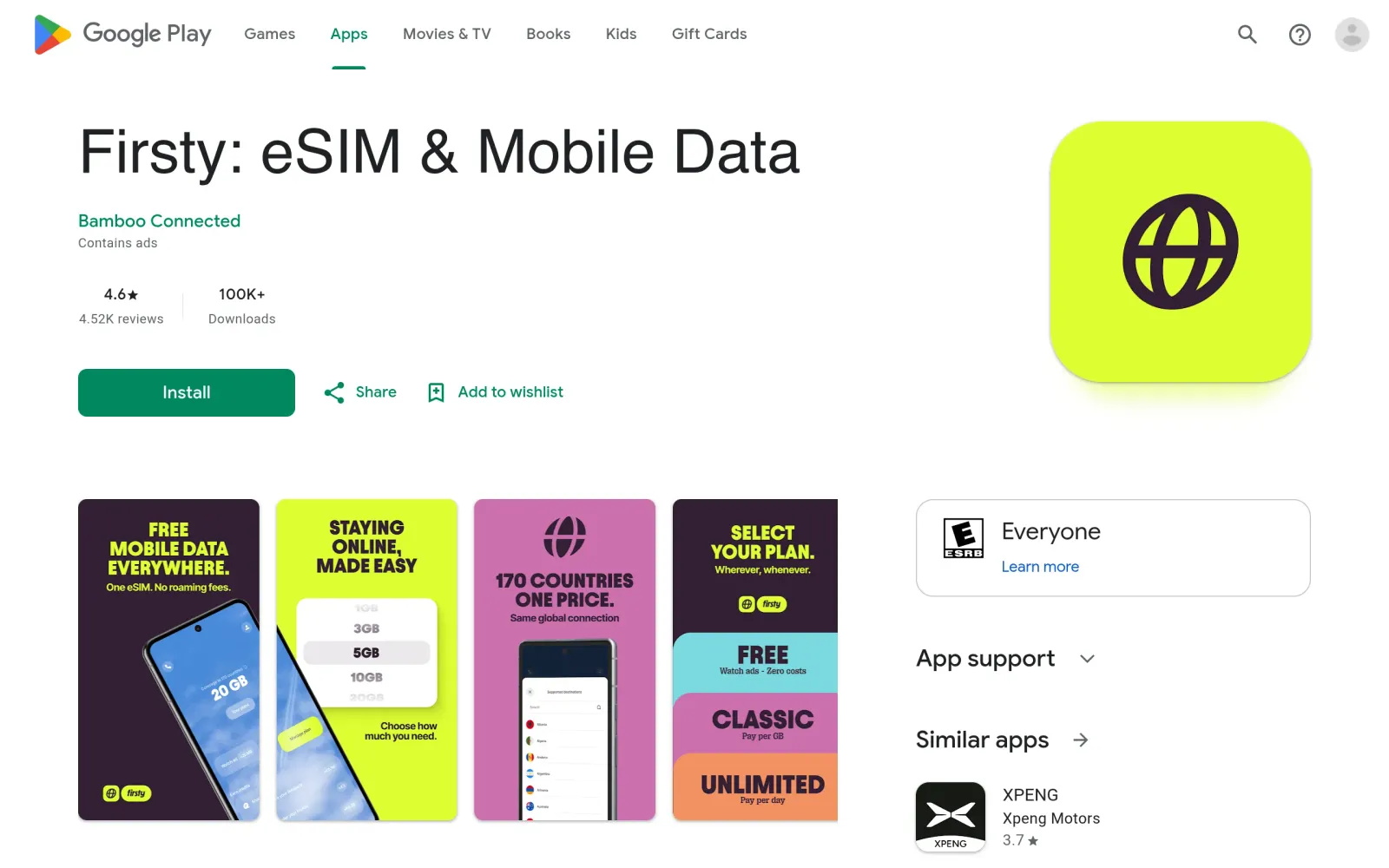
Download Firsty from the App Store or Google Play (store-page figures: 1.2M+ users, 4.8/5 on Trustpilot — indicative only), then follow the in-app flow:
- Register (phone-number verification). The app installs the eSIM profile automatically — no QR code needed.
- In your phone's settings, set the Firsty eSIM as the mobile-data line, and turn on data roaming for that eSIM — the roaming switch is mandatory for an eSIM to attach to a local network. Leave roaming off on your physical SIM to avoid accidental roaming charges.
- While still on Wi-Fi, watch one ad and confirm 20 MB appears in your balance before you leave. Installing an eSIM after landing, with no connection, is a dead loop — do it now.
Step 4: After landing, use it for the "four lifelines" only, and stay inside its limits
Once Firsty data is on after landing, do four things: WhatsApp/iMessage to say you arrived, maps to reach the hotel, email to collect confirmations, and a ride-hailing app to get a car. Per Firsty's own pages, ride-hailing apps get favorable treatment on the free tier (some pages say Uber runs without ad-watching; treat in-app behavior as the ground truth). When data runs out, watch another ad for 20 MB more; when the balance is full at 240 MB, use some before stacking more.
The overreach list (the free tier cannot do these — do not force it): streaming video, video calls, large downloads, hotspot sharing with a laptop (hotspot is a paid-tier feature), or using it as a long-term keep-alive number (it is data-only, with no phone number to preserve — for number-keeping, see this series' eSIM keep-alive guides).
Notes, costs, and pitfalls
- Cost: Free is €0, no card; Classic from €0.98/GB, Unlimited from €2/day, per in-app prices.
- Track record: Firsty is a Dutch startup (Bamboo Connected) that has run its free tier since 2024 with no public record of mass bans or sudden free-tier removal; but its free rules have changed (60-minute sessions → MB accounting), and its own pages disagree on country counts (170 vs 176) — treat in-app coverage and rules as authoritative, not marketing numbers.
- Pitfalls: ① Phones without eSIM (including dual-physical-SIM models) cannot install it — skip outright. ② Installing the eSIM only after landing, with no Wi-Fi, leaves you stuck — install before departure. ③ Forgetting the eSIM's data-roaming switch: if it will not connect, check that switch first. ④ At 1 Mbps, download offline maps in advance; web timeouts are a speed issue, not a fault. ⑤ The free tier is data-only with no phone number — it cannot receive verification codes or keep a number alive.
Sources
- Firsty homepage: https://www.firsty.app/?r=0
- Firsty Free plan page (20 MB per ad, 240 MB balance cap, 360 MB per day): https://www.firsty.app/plans/firsty-free
- Firsty app store page (free 20 MB at 1 Mbps, Classic €0.98/GB, Unlimited €2/day): https://play.google.com/store/apps/details?id=com.firsty.app
- Firsty eSIM explainer (how eSIMs work, 170+ countries): https://www.firsty.app/help/esim/what-is-an-esim
- 2024 review (old 60-minute-session rules, showing the rules have changed): https://www.notebookcheck.net/Firsty-eSim-could-be-the-perfect-travel-backup-sim-free-and-permanent-internet-access-worldwide-albeit-with-restrictions.804652.0.html