
Get a Free .is-a.dev Subdomain: No Domain Purchase, Just One GitHub Pull Request
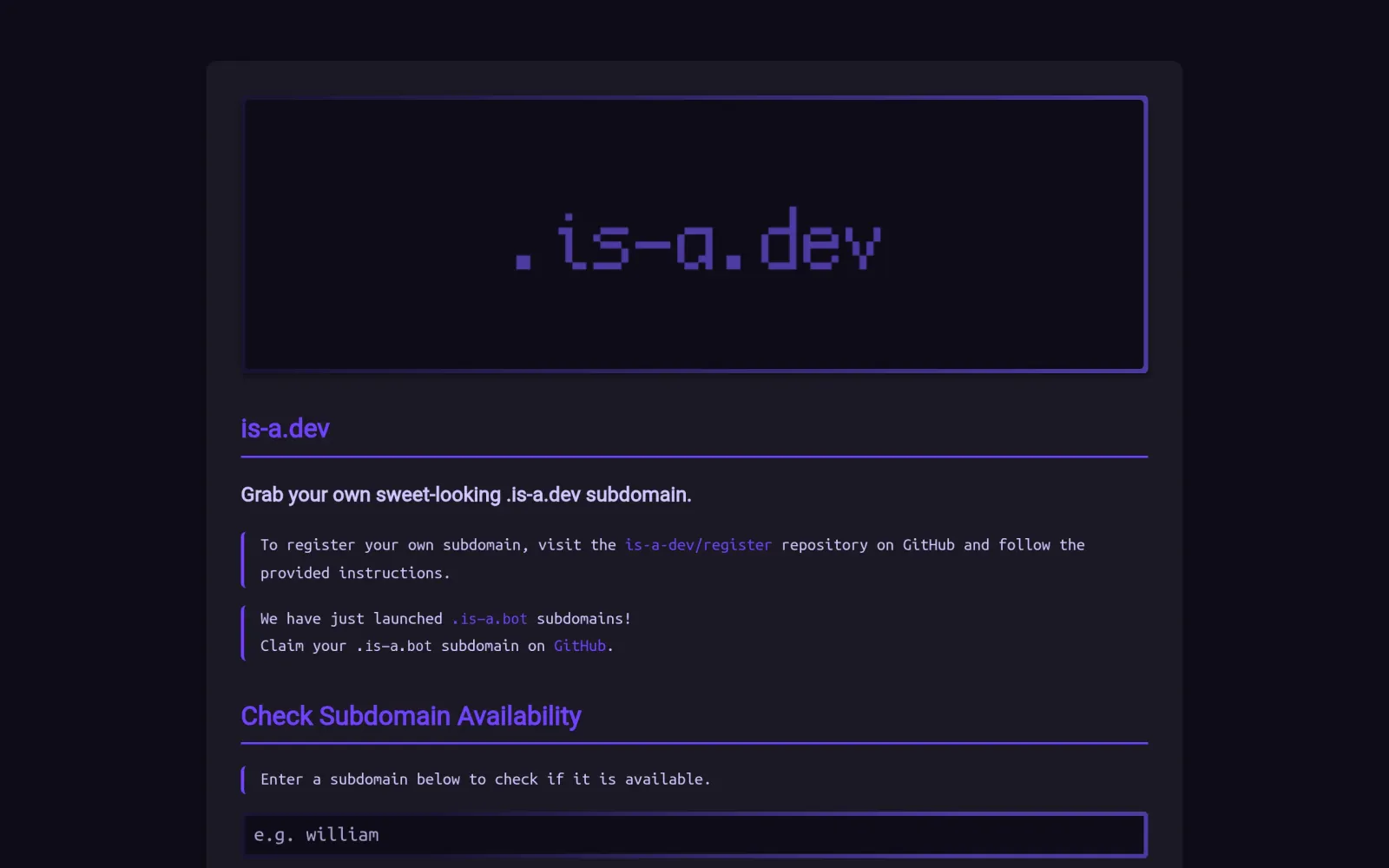
One-line summary: If you have a portfolio, blog, or open-source project but don't want to pay for a domain yet, is-a.dev gives developers a free yourname.is-a.dev subdomain: no credit card, no registrar — you fork a GitHub repo, add one JSON file, and open a pull request. The catch: it is for personal, developer-related projects only, commercial sites get rejected, and approval is a human review, not instant.
What you need
- A GitHub account
- A live personal site or developer project (portfolio, blog, or open-source project page — blank or near-empty pages get rejected, so finish the site first)
- Hosting for that site already set up (GitHub Pages, Cloudflare Pages, Vercel, or similar; this guide uses GitHub Pages)
- The right expectation: this is a subdomain under a shared domain, not a domain you own — every DNS change goes through another pull request, and there is no instant control panel
Step by step
Step 1: Check the is-a.dev homepage to see what you actually get
The is-a.dev homepage positions it as a community-run free subdomain service for developers, with DNS running on Cloudflare's network. Because it is listed in the Public Suffix List, many platforms treat it like a standalone domain, with fewer restrictions than an ordinary subdomain. But it is not a registrar: you cannot buy is-a.dev itself, and you never get a top-level domain — only xxx.is-a.dev.
Step 2: Read the official quickstart and check you qualify
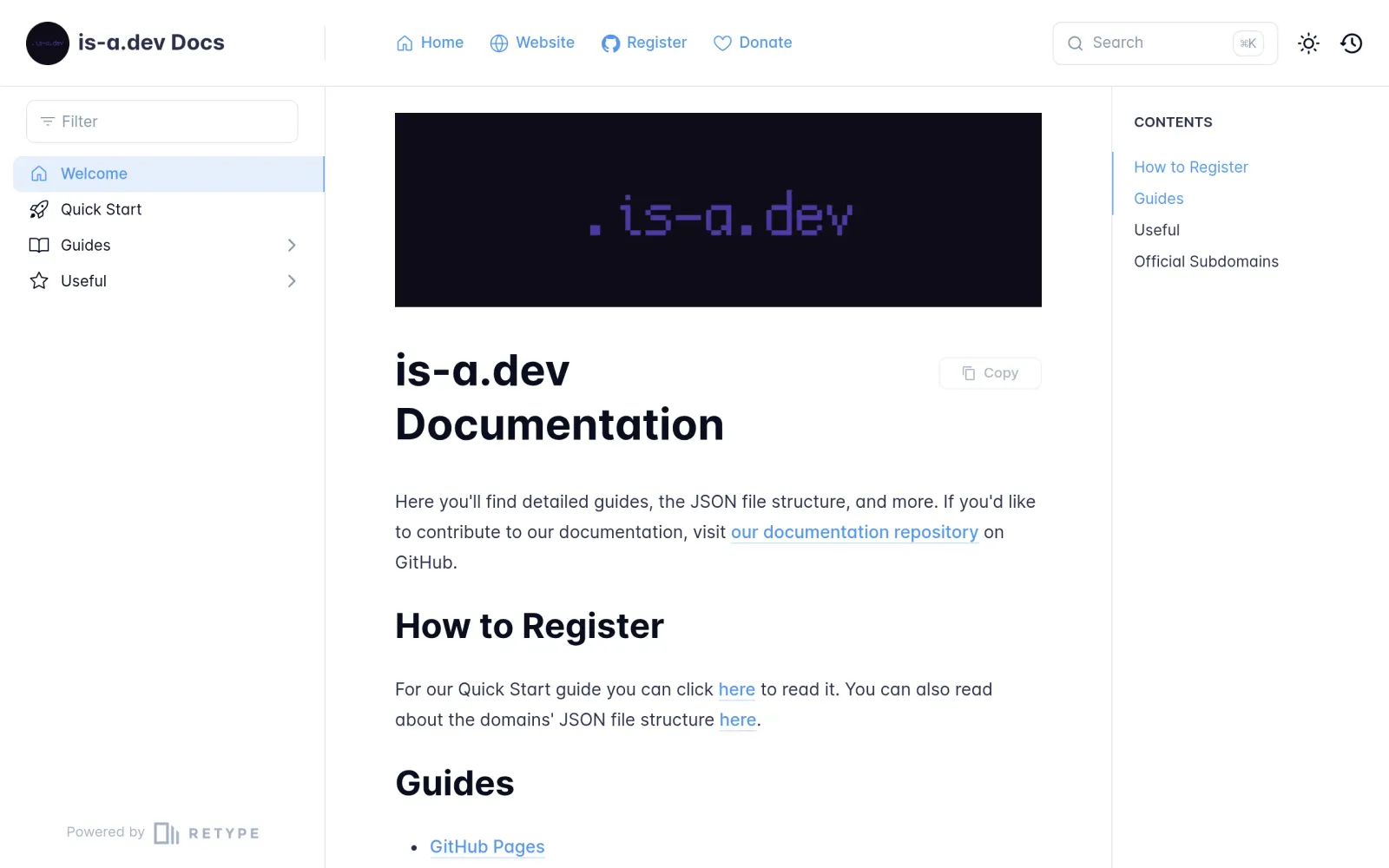
The official quickstart states the eligibility rules plainly — check them before opening a PR, or you will wait a full review cycle just to be rejected:
- Your site must be at least somewhat complete — not blank, not a two-line placeholder.
- It must be a personal site (a developer portfolio or blog) or a non-commercial developer project. Commercial sites can have their PR closed by maintainers.
- The filename is your subdomain: all lowercase plus
.json— forzhangsan.is-a.dev, the file iszhangsan.json. - The docs explicitly warn against generating your request with AI: "it WILL always get it wrong and will delay you getting a domain." Write the file by hand from the template.
Two more hard limits: common reserved names (www, api, mail) and single-character subdomains are unavailable, and NS (nameserver delegation) is only granted in approved cases, generally after your subdomain has existed for 30+ days. For most people, a CNAME or A record is all you need.
Step 3: Fork the repo and create your JSON file in the domains folder
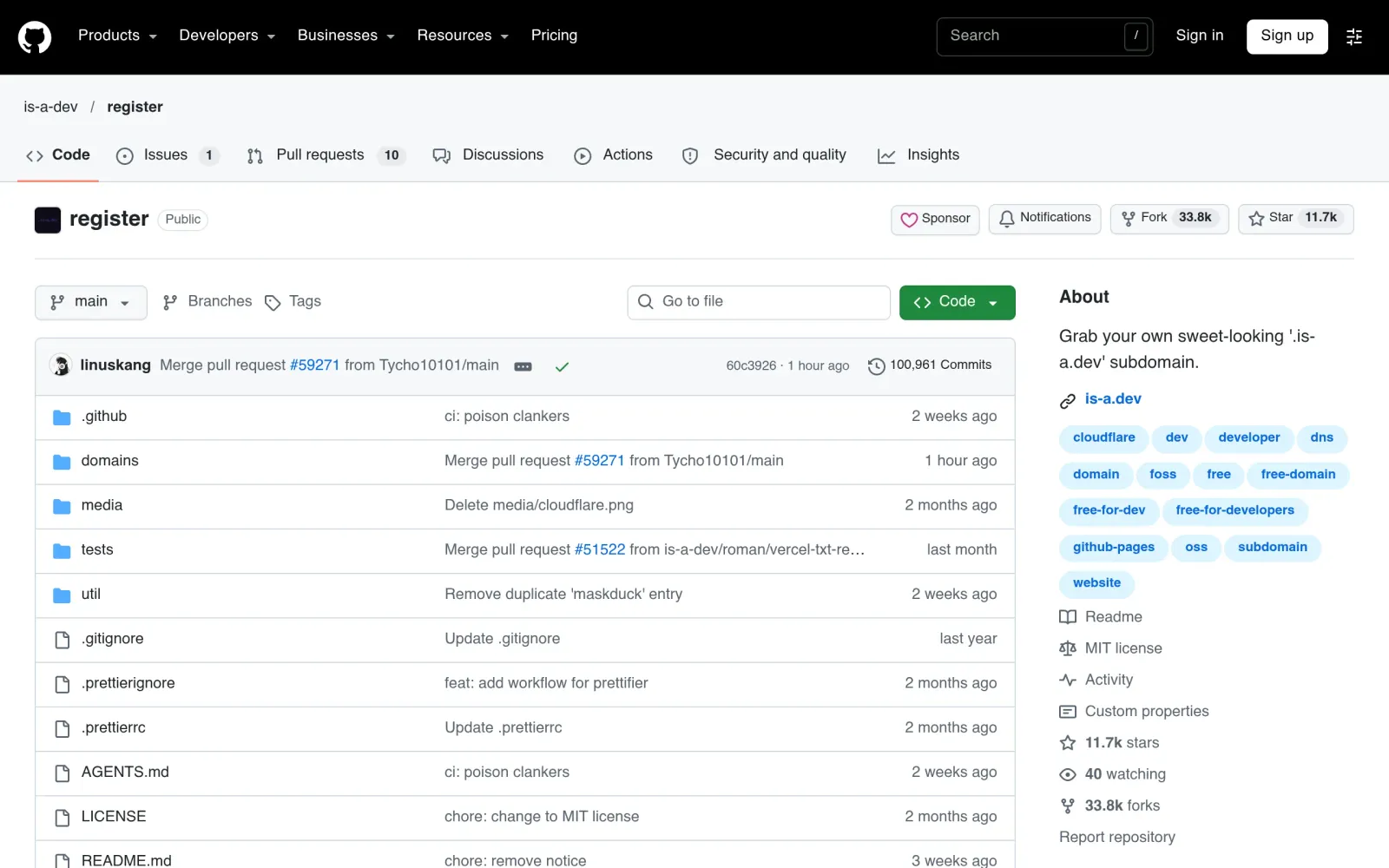
Open github.com/is-a-dev/register, click Fork in the top right, then open the domains/ folder in your fork and choose Add file → Create new file, named your-subdomain.json.
For a GitHub Pages site, the file follows the official template (replace the placeholders with your own):
{
  "owner": {
    "username": "your-github-username",
    "email": "your-email"
  },
  "record": {
    "CNAME": "your-github-username.github.io"
  }
}
For other hosts, put the records your host gives you in the record field (an IP for A records, a hostname for CNAME) — follow your host's own setup guide, don't guess. Before submitting, validate the JSON with a checker such as jsonlint: one missing comma fails the repo's automated tests outright.
Step 4: Open the PR, pass automated tests, wait for a human merge, then wait for DNS
After saving, GitHub prompts you to open a pull request: complete the PR checklist, confirm your project is developer-related and non-commercial, and submit. Automated tests validate your JSON format and records first; only then does it enter the human review queue. Third-party walkthroughs report a typical review time of 24–72 hours (actual maintainer handling, not a guarantee).
After the merge, DNS can take up to about 24 hours to propagate worldwide — don't keep editing records the moment it merges. Once yourname.is-a.dev loads your site, you are done. If you use GitHub Pages, set the custom domain in your Pages repo settings to this subdomain and enable Enforce HTTPS. To change records later, edit the same JSON file in your fork and open another PR; to give it up, delete the file via another PR.
Costs, risks, and pitfalls
- Cost: $0 throughout — no card, no hidden fees. Hosting is separate (GitHub Pages and Cloudflare Pages static hosting are themselves free-tier friendly).
- Track record check: is-a.dev is a volunteer-maintained community project, not a commercial registrar, with no public record of mass bans or monetizing free users. Its real risk is the flip side of volunteer maintenance: a slow merge queue means waiting, and maintainers decide the rules — commercial and blank sites are rejected by policy, not by accident. Fine as a free front door for a personal project; don't bet a company homepage or a payment page on it.
- Pitfalls: ① Applying with a blank site and waiting a full cycle to be rejected; ② applying with a commercial or payment-collecting landing page, which the rules say will be closed; ③ submitting AI-generated JSON without validating it; ④ declaring "it didn't work" right after the merge — DNS propagation takes up to ~24 hours; ⑤ thinking you own a top-level domain — it is always
xxx.is-a.dev, and you can't take old links with you if you rebrand.
Sources
- is-a.dev homepage: https://is-a.dev/
- is-a.dev official docs (quickstart, eligibility): https://docs.is-a.dev/
- is-a-dev/register repo (fork, domains folder, PR flow): https://github.com/is-a-dev/register
- is-a.dev application walkthrough (24–72 hour review, 30+ day NS rule, PSL note): https://dev.to/dthiwanka/get-your-free-is-adev-subdomain-step-by-step-guide-for-developers-27o7
- is-a.dev project status (manual review queue, repo active within 4 days as of October 25, 2026): https://hysenlabs.com/projects/is-a-dev-register