
Render's Free Tier: Run Your Site for $0 — After You Read the 15-Minute Sleep and 30-Day Database Rules
One-line summary: When you have a small project you want to put online without paying for a server first, Render's free tier is one of the least fiddly routes: connect a GitHub repo, click through a few screens, and it deploys — static sites stay free, and dynamic sites carry no monthly fee. But the free tier has three hard lines: a site that idles for 15 minutes goes to sleep, a free database expires after 30 days, and each workspace gets only 750 free instance hours a month. Running real production on it will hurt; demos, practice, and small tools are exactly what it's for.
What you need
- A GitHub account and a project repo that actually runs (Node.js, Python, Go, Ruby, Rust, Elixir, PHP, or Docker; a purely static site works too)
- A clear start command in your project (for example
npm start, or a Pythongunicorncommand) — Render asks for it at deploy time - The right expectation: the free tier is not an unlimited free server. Demo-level traffic is fine; real users at scale mean upgrading to a $7/month paid instance
Step by step
Step 1: Check Render's homepage to see what the free tier covers
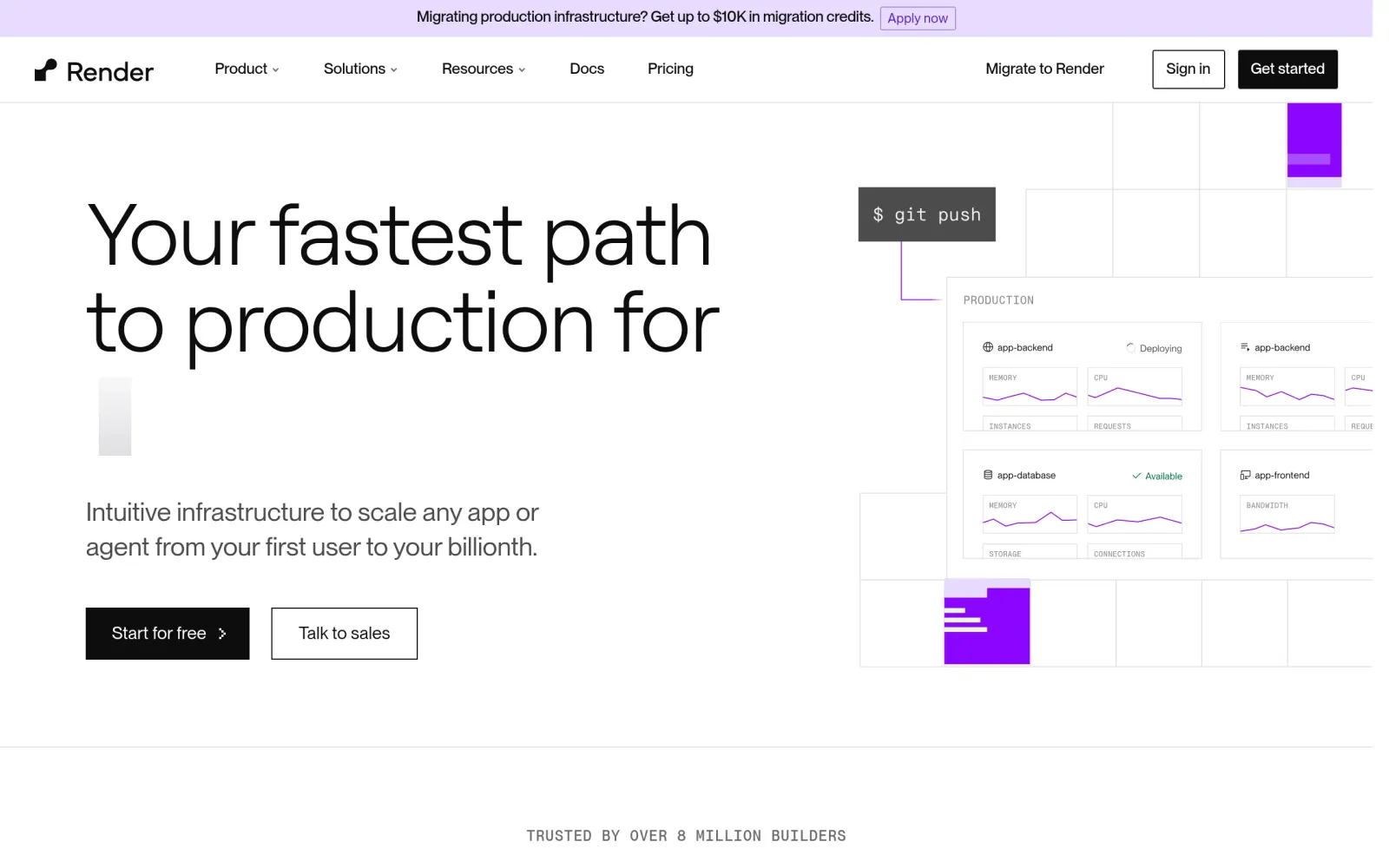
Render's homepage presents it as a hosting platform where pushing code to GitHub triggers a deploy — no server setup, no Nginx configuration by hand. The free tier covers four types: Web Services (dynamic sites), Postgres databases, Key Value (a Redis-compatible store), and static sites. Note the exclusion up front: background workers, private services, and cron jobs have no free tier at all and need a paid instance from day one — if your project depends on an always-on background task, the free tier won't cover it.
Step 2: Read the pricing page and do the math on the four hard lines
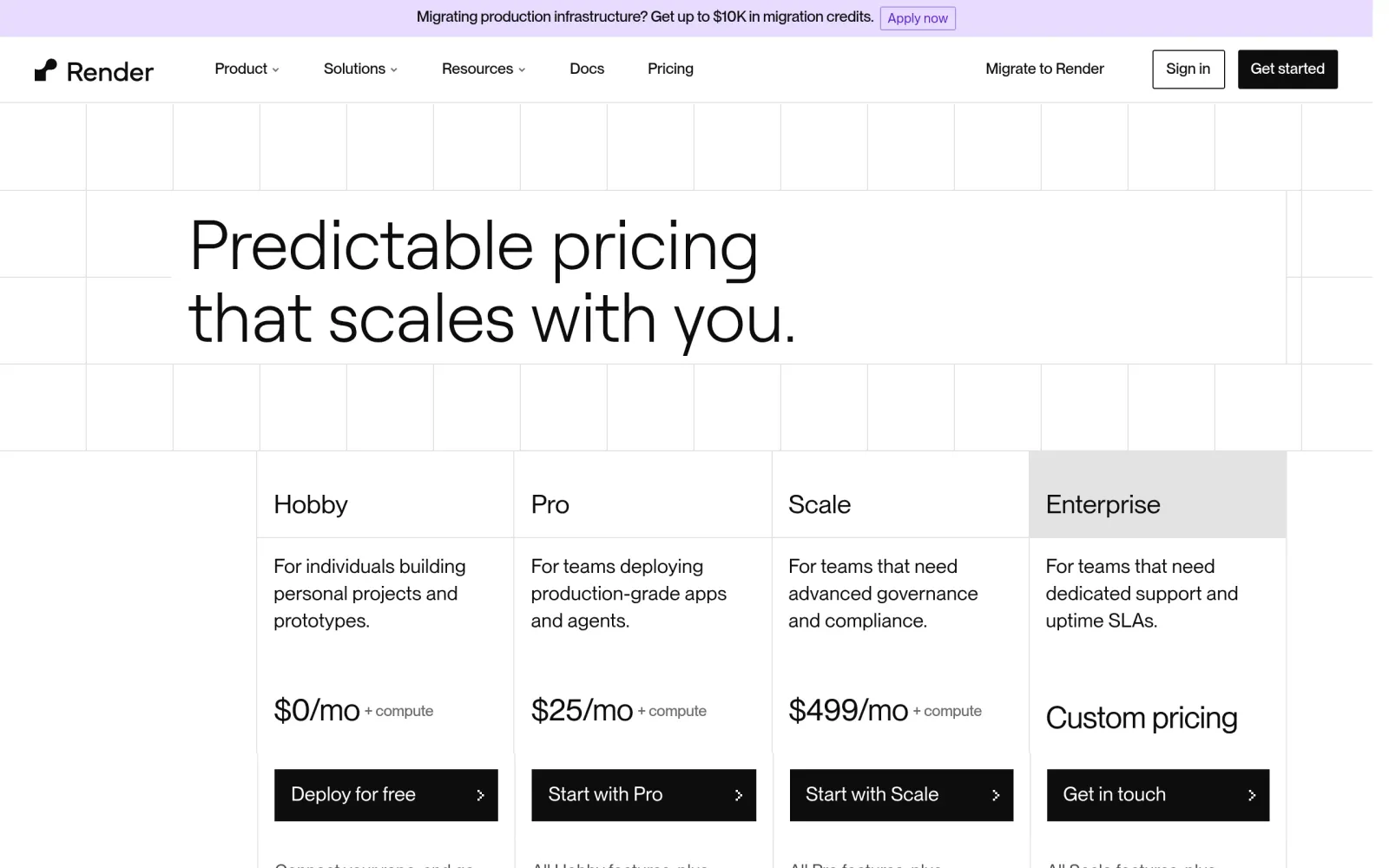
The pricing page's key phrase needs parsing first: the Hobby workspace is $0/month, but it is "$0 + compute" — the workspace fee and the compute fee are separate, and a free instance stays free but keeps its limits even if you upgrade the workspace. The four lines (official docs, October 2026):
- 15-minute sleep: A free web service with no inbound traffic (HTTP or WebSocket) for 15 minutes spins down, and the next visit takes about a minute to spin back up, with visitors seeing a Render loading page first.
- 750 hours a month: Each workspace shares 750 free instance hours a month across its free web services; once used up, every free web service in the workspace is suspended until the next month resets. One service running around the clock is roughly 720 hours, so a single service barely fits — two full-time services will not.
- Free Postgres expires in 30 days: A free database expires 30 days after creation, with a 14-day grace period to upgrade before Render deletes it along with its data. One free Postgres per workspace, capped at 1 GB of storage.
- Spec and feature caps: Free instances get 512 MB of RAM and a fractional CPU, run as a single instance only, can't attach a persistent disk, can't open a shell, can't run one-off jobs, and can't send outbound mail on ports 25, 465, or 587.
Step 3: Read the free-tier docs to confirm the deploy flow and how static sites differ
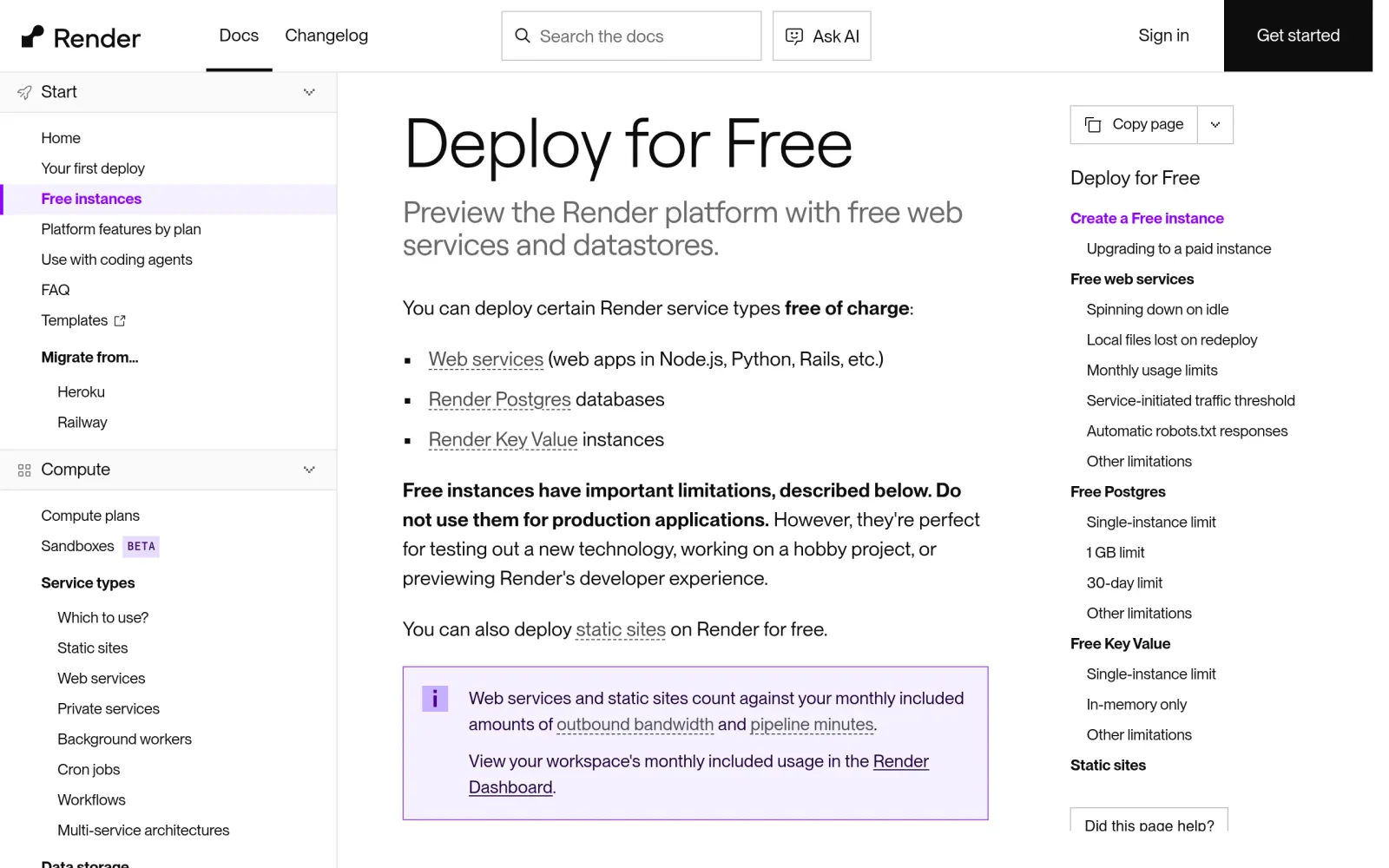
The official free-tier docs lay out the deploy path: create a Web Service → connect your GitHub repo → pick the runtime → fill in the build and start commands → choose the Free instance type → deploy. Static sites are a different line: Render says static sites are "always free to deploy" and don't sleep (they serve files, not a running process), but the Hobby workspace's bandwidth is 5 GB a month pooled across all services in the workspace, with $0.15/GB beyond that — a static site and a dynamic service in the same workspace draw from the same pool.
Practical advice: separate what can be static from what must be dynamic — put static pages on a static site instead of routing all traffic through the sleeping free web service, and treat a free Postgres as a 30-day demo store: export anything important before expiry, never keep the only copy there.
Step 4: Verify with a third-party checklist — sleep, wake-up, and robots.txt
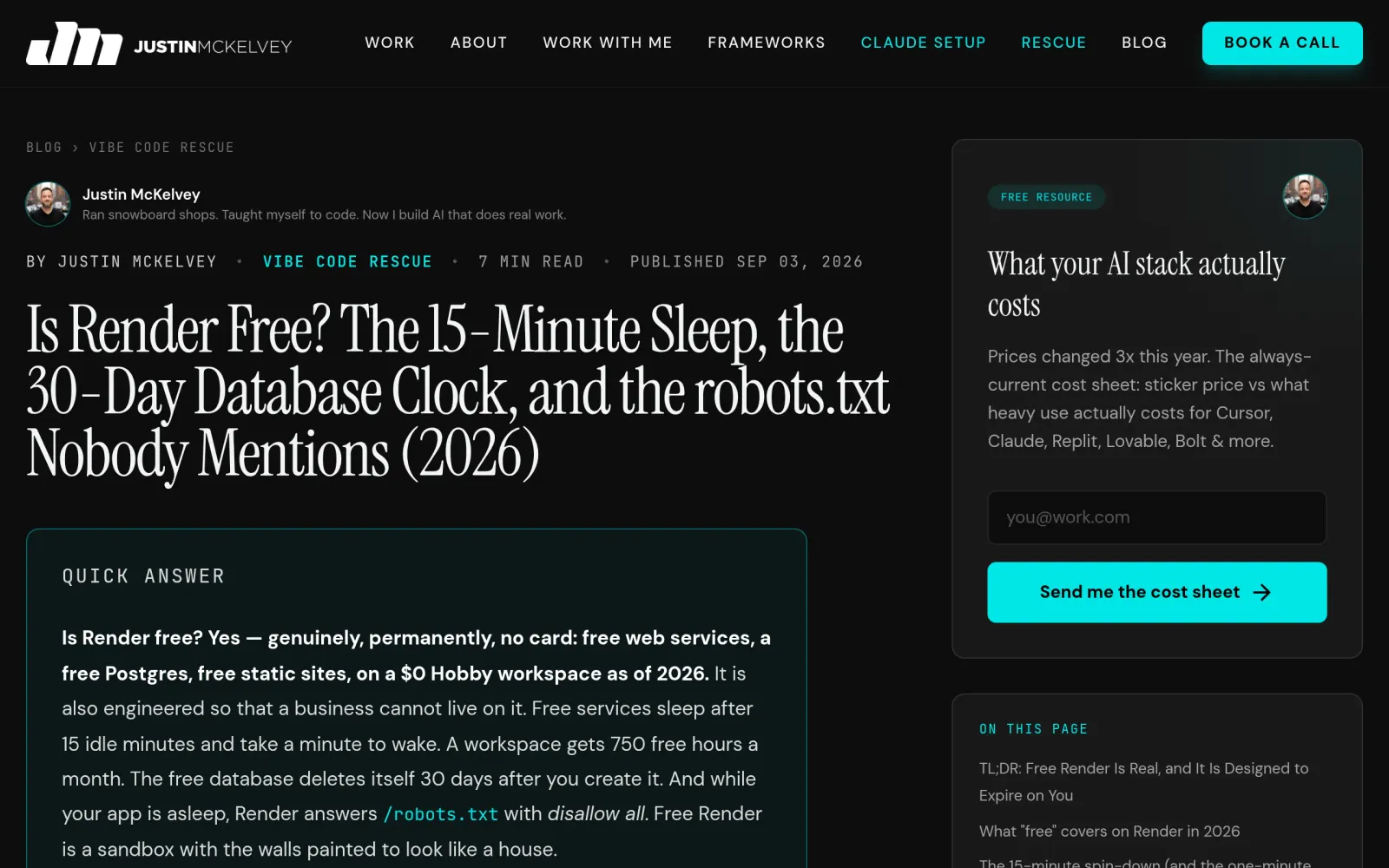
Cross-checked against September–October 2026 walkthroughs, verify three things by hand after deploying before you share the link:
- Sleep and wake-up: Visit once to confirm it loads, leave it untouched for over 15 minutes, then visit again and time the first paint — about a minute means the sleep mechanism works as documented. Warn anyone you share the link with that the first open takes a while.
- Database countdown: Note the free Postgres creation date — day 30 is expiry day. Before then, either upgrade to a paid database (from $6/month) or export the data and move it elsewhere.
- The robots.txt trap: While a free service is spun down, Render answers
/robots.txtwith a blanket disallow-all. A search engine crawling while your service sleeps gets told not to index. Don't use the free tier for a site you need indexed; for a demo it doesn't matter.
Once verified, know the upgrade path in advance: to stay online 24/7 without sleeping, you upgrade the service instance itself (a web service from Free to a $7/month paid instance) — not the workspace plan. The docs say it plainly: upgrading the workspace plan does not remove free-instance limitations.
Costs, risks, and pitfalls
- Cost: Hobby workspace $0/month; free web service $0, free static site $0, free Postgres $0 (30 days); paid web service from $7/month, paid Postgres from $6/month; Hobby bandwidth 5 GB/month, then $0.15/GB. Confirm against Render's live pricing page at deploy time — older third-party figures (100 GB bandwidth, $19/user Pro) are out of date, don't copy them.
- Track record check: Render's free-tier limits are written in its own docs, not quietly introduced — sleep, the 30-day database, and 750 hours are official rules, and there is no public record of mass bans or sudden free-tier shutdowns. But the docs also say plainly "do not use free instances for production applications" — running payments or a client's live service on one is your choice of risk, not a platform breach.
- Pitfalls: ① Thinking a workspace upgrade stops the sleeping — only upgrading the service instance does; ② running two free services full-time and emptying the 750-hour pool mid-month; ③ keeping the only copy of data in a free Postgres past its 30-day expiry plus 14-day grace; ④ putting background or cron jobs on the free tier — they have no free type at all; ⑤ using a free-tier link for SEO and expecting indexing, when the sleep-period robots.txt blocks crawlers.
Sources
- Render homepage: https://render.com/
- Render pricing page (Hobby $0 + compute, paid web service from $7/month, Postgres from $6/month): https://render.com/pricing
- Render free-tier docs (15-minute sleep, 750 hours, Postgres 30 days, static sites free): https://render.com/docs/free
- Render free tier in practice (wake-up about a minute, sleep-period robots.txt block, spec caps, checked September 2026): https://justinmckelvey.com/blog/is-render-free
- Render free tier and production suitability (official docs as read October 24, 2026): https://convika.com/compare/render-free-tier-production/