
Open a Free Wise Multi-Currency Account: One Account for 40+ Currencies
One-line summary: The most annoying part of running a small cross-border business isn't finding customers — it's opening a separate account per currency and losing a cut on every conversion. A Wise personal account is free to open with no monthly fee, holds 40+ currencies in one place, and converts at the mid-market rate plus one clearly shown fee, quoted before you confirm. But it is not a traditional bank: no cheques, no overdraft, and your money is safeguarded rather than covered by deposit insurance — understand that line before moving large sums in.
What you need
- An email address and a phone number that can receive verification codes (sign-up and two-factor authentication)
- Proof of identity (passport or national ID for verification; getting USD or EUR local account details may also require a selfie holding your ID, per Wise's verification page at the time)
- The right expectation: opening and holding are free, but converting, sending, withdrawing, and ordering a card can each carry a per-transaction fee — and card fees and free ATM allowances differ by country, so treat this guide's regional figures as reference only and confirm the price shown in your own account before paying
Step by step
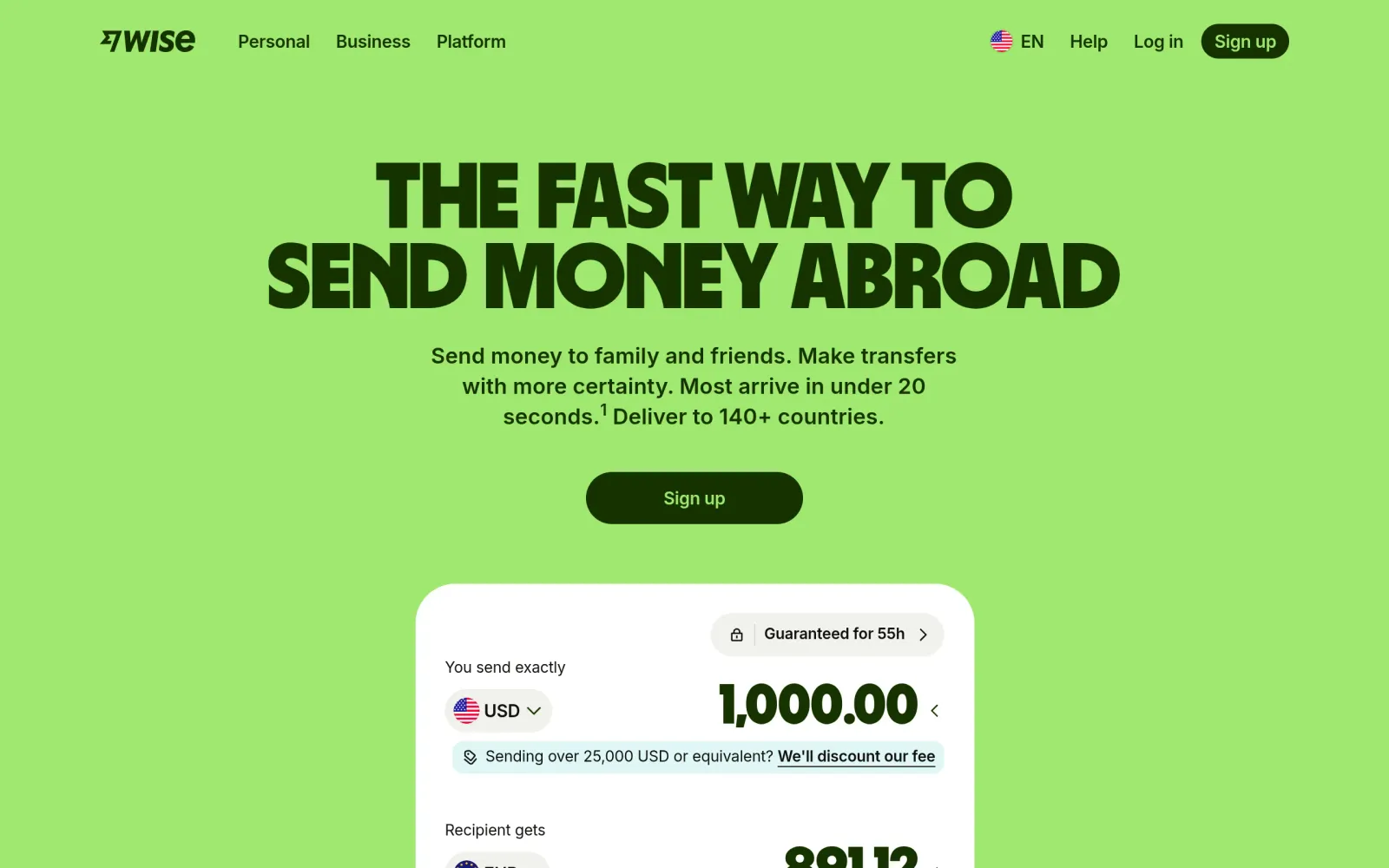
Step 1: Check Wise's homepage to see what is actually free
Wise's homepage positions the personal account as free to sign up with no monthly fees, holding 40+ currencies and converting at the mid-market rate. Two concepts must stay separate: holding a currency and having local account details. Holding means a USD balance and a EUR balance inside your account; local account details are a set of numbers that look like a local bank account (a US routing number, a European IBAN), so someone can pay you by ordinary local transfer. Opening a personal account is free, but getting your first set of local account details normally requires adding money to your account and completing identity verification first (the official help page: add about £20 equivalent and verify your identity, with the exact amount shown on your sign-up page).
Step 2: Read the official help page — an "account" and "account details" are not the same thing
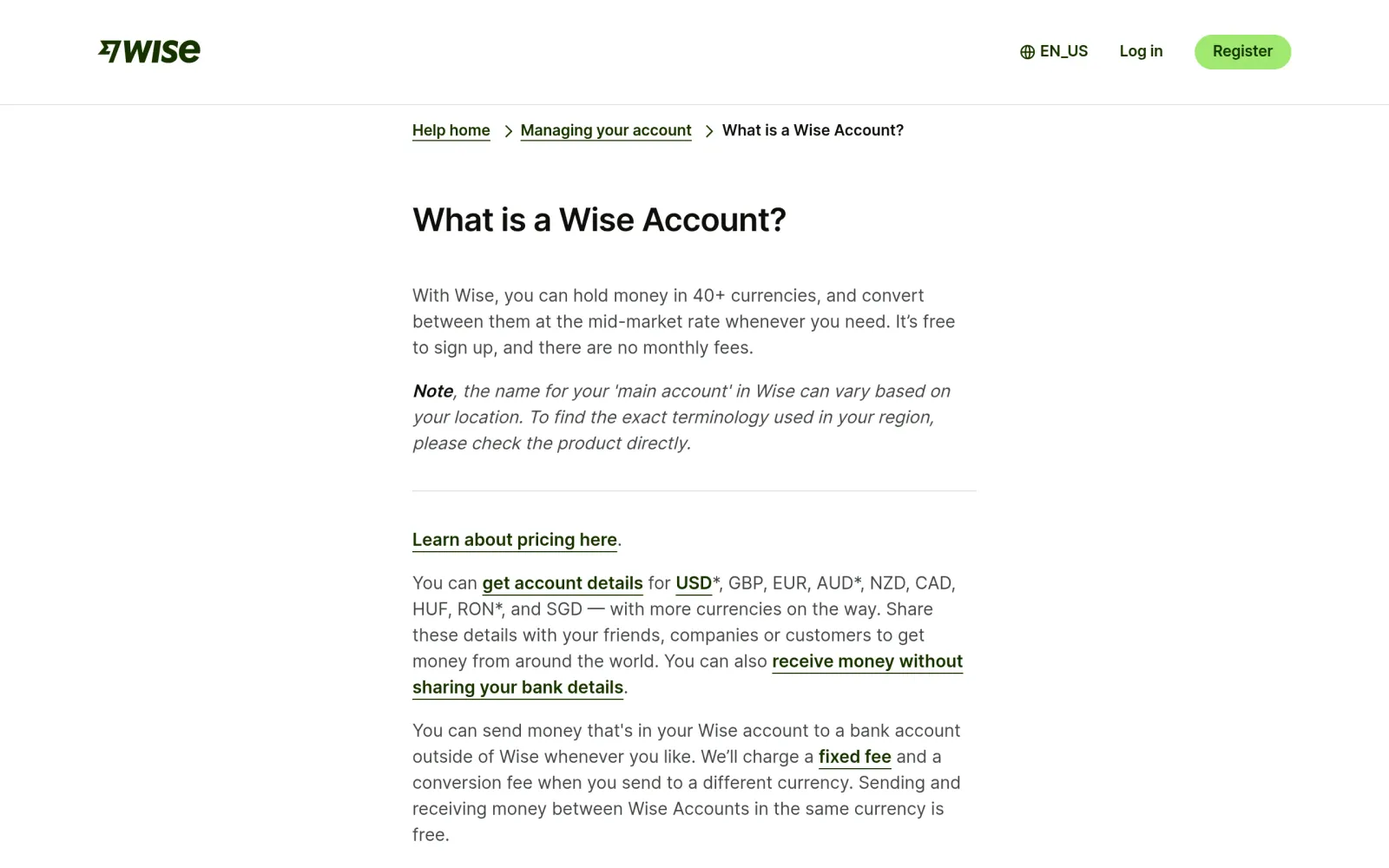
The official help page lays out the structure: your Wise account is one overall account, organized by currency balances, plus optional jars to keep money for the same currency separate. Account details are not separate accounts — they are a way to receive money into that one account. One Wise account can hold USD, GBP, EUR, and other currency details at the same time. Personal-account details cover USD, GBP, EUR, AUD, NZD, CAD, HUF, RON, SGD, and more — with regional limits (USD details are unavailable in some regions, and new RON details are currently paused, per the live page).
Practical takeaway: before giving a payer your details, confirm the currency they want to send is in your details list; if it isn't, convert first instead of forcing it.
Step 3: Register, verify your identity, add your first currency
The registration flow, cross-checked against the official site and third-party walkthroughs, runs in four parts, entirely online with no branch visit:
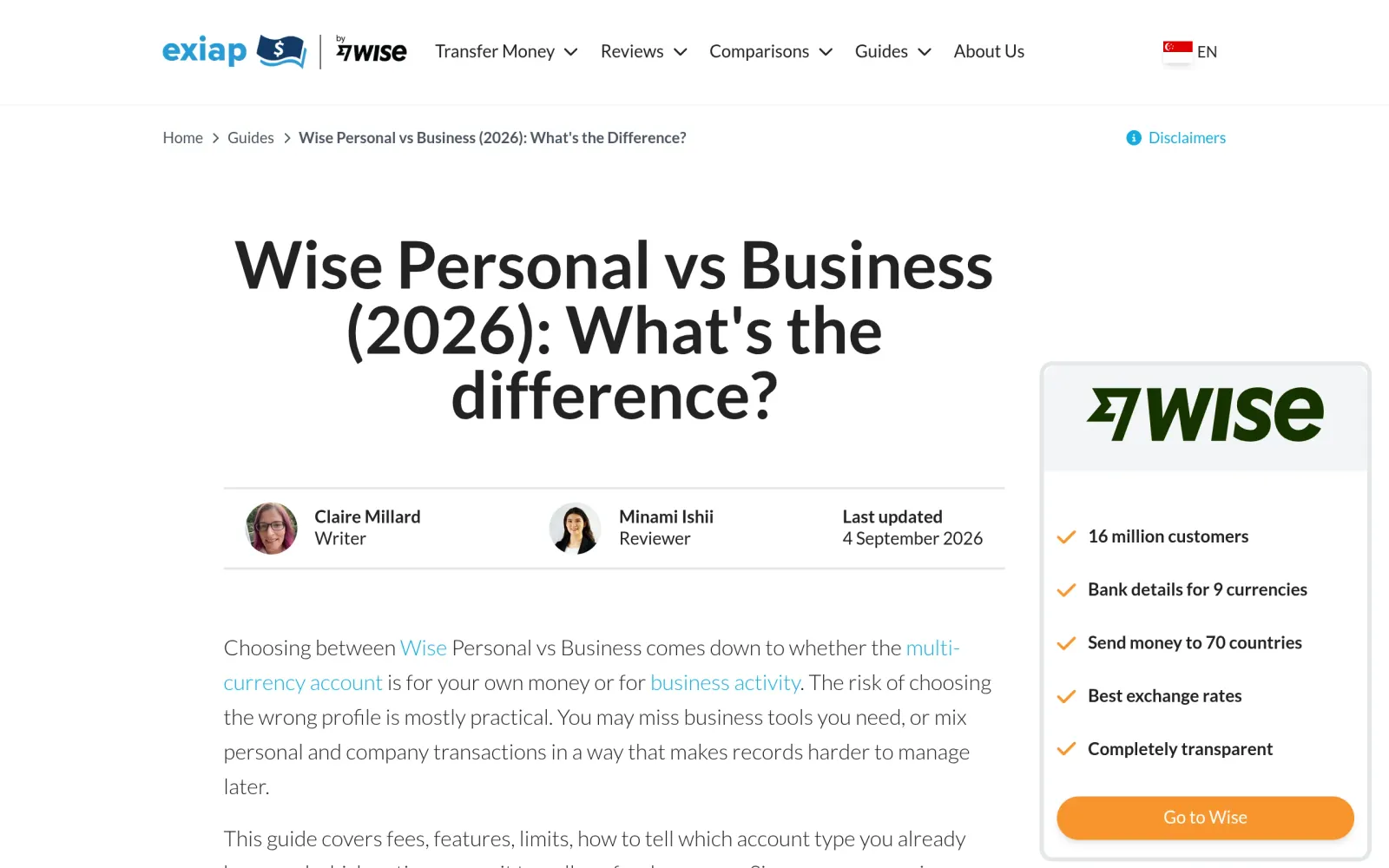
- Register: On Wise's site or app, choose Personal — not Business. Business accounts pay a one-time setup fee for full features (about $31 in the US, £50 in the UK, S$99 in Singapore); personal accounts don't. Enter your legal name, date of birth, and address, set a password, and bind your phone for two-factor authentication.
- Verify your identity: Upload your ID; the system may ask for proof of address or a selfie holding your ID. Verification time varies — don't register on the same day you urgently need to receive money.
- Add a currency: Click Add a currency and pick what you want to receive or pay in. The first currency you add becomes your main account currency; you can add more any time.
- Add money: Follow the page to top up from your bank card or bank account (first top-up amount and supported methods vary by region, per the live page). The top-up is still your money to spend, not a fee.
Step 4: Receive, convert, send, and optionally get a card — check each quote before confirming
Once running, daily use is four actions, each with its own fee logic:
- Receive: Share the local account details for that currency with the payer; they send by local transfer. Transfers between Wise accounts in the same currency are free. Some currencies received via SWIFT carry a fixed fee (third-party figures: about £2.16 for GBP, $6.11 for USD — confirm on your own receiving page).
- Convert: Mid-market rate plus a conversion fee that varies by currency pair, officially from about 0.23%–0.35%. Before confirming, the page shows the amount that will arrive, the fee, and the rate together — check the arrival amount, not just the rate.
- Send: A fixed fee plus a variable percentage, again quoted before you confirm. Double-check the recipient's name and account details — a typo means delays or a returned payment, so test with a small amount first.
- Get a card (optional): The Wise multi-currency debit card works for online spending and in 150+ countries. The card fee is a one-time regional charge (third-party figures: about $9 in the US, S$8.50 in Singapore, €7 in Ireland — confirm on your own order page). There is a monthly free ATM withdrawal allowance; beyond it, per-withdrawal fees apply, and the ATM operator may charge its own fee on top.
Costs, risks, and pitfalls
- Cost: $0 to open, no monthly fee, no minimum balance. Converting, sending, withdrawing, and ordering a card are charged per transaction, quoted before you confirm. The business-account one-time setup fee (about $31 US / £50 UK) does not apply to personal accounts — don't mix the two up.
- Track record check: Wise is a licensed payment institution, not a traditional bank. Your funds are safeguarded by Wise and held in top-tier banks — that is not the same as a bank deposit covered by deposit insurance. Don't park all of a large balance long-term in a single payment institution. Wise also has public user reports of risk-control freezes and requests for extra documents, so keep payment notes and funding sources truthful and consistent, use a personal account for personal money only, and never lend your account to someone else (Wise requires accounts to be opened and used by their owner).
- Pitfalls: ① Receiving business income into a personal account, or letting someone else use your account, triggering risk controls; ② watching only the exchange rate and ignoring the arrival amount, which is where the conversion fee shows up; ③ assuming USD account details work everywhere — some regions don't offer them, check your region's list first; ④ ordering a card without checking your region's card fee and ATM allowance; ⑤ treating Wise as a full bank replacement — it has no overdraft, loans, cheques, or cash deposits, so large or long-term money still needs a traditional bank alongside it.
Sources
- Wise homepage: https://wise.com/
- Wise official help page (what a Wise account is, account vs account details, first details require a top-up and verification): https://wise.com/help/articles/2897226/what-is-a-wise-account?origin=related-article-5ssvrNF7DSP8w8iLv1W1Cr
- Wise personal vs business comparison (Singapore personal: free to open, 40+ currencies, 20+ currency details, S$8.50 card fee): https://exiap.sg/guides/wise-personal-vs-business-account
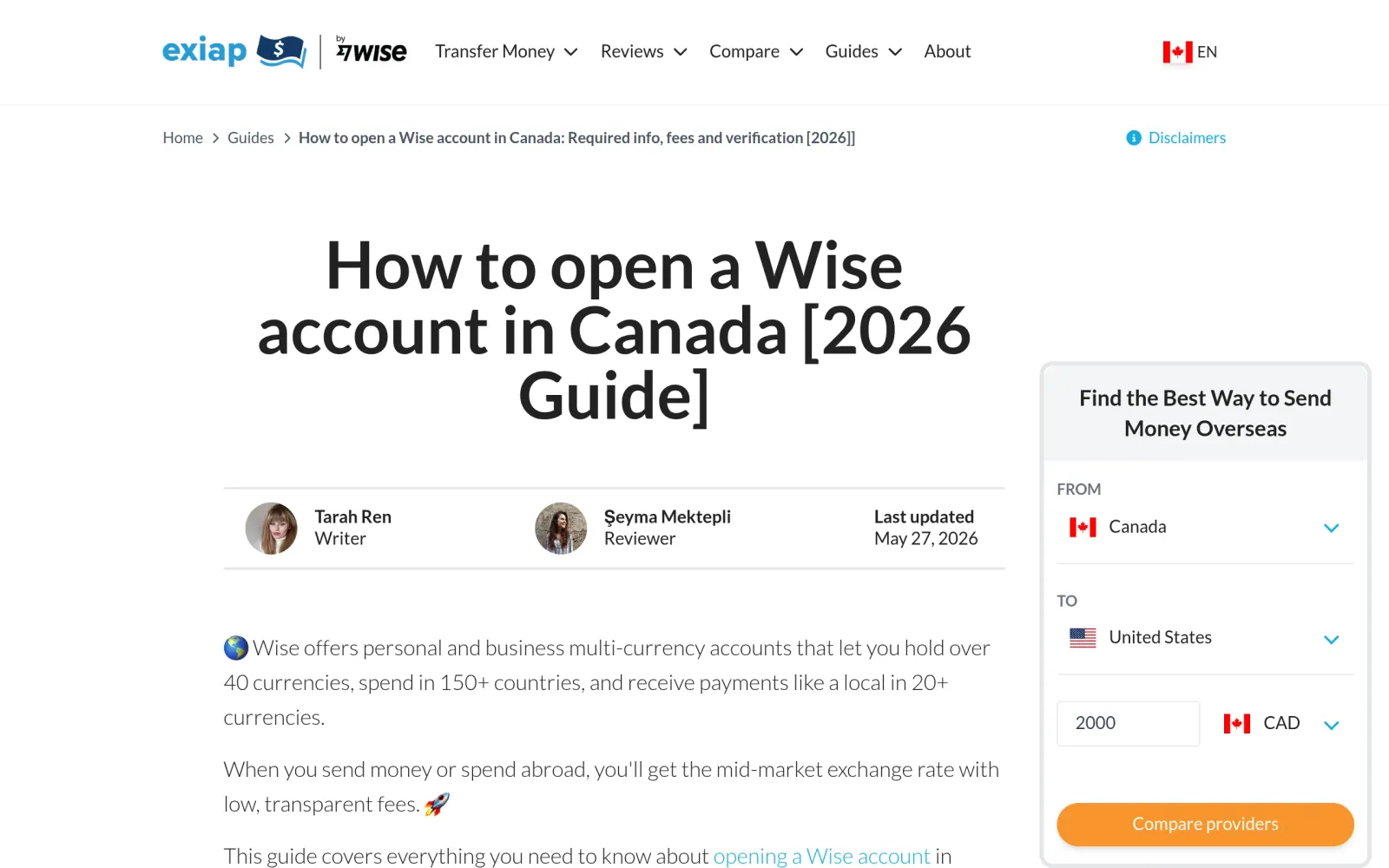
- Wise personal account opening guide (Canada: free to open, ~40 currencies, sending to 160+ countries, local details): https://exiap.ca/guides/how-to-open-wise-account
- Wise fee overview (conversion from about 0.23%, mid-market rate, no monthly fee, checked against official pricing in September 2026): https://wealthvieu.com/banking/wise/fees/